User API
Learn how to create an API key and query the public User API.
Create an API Key
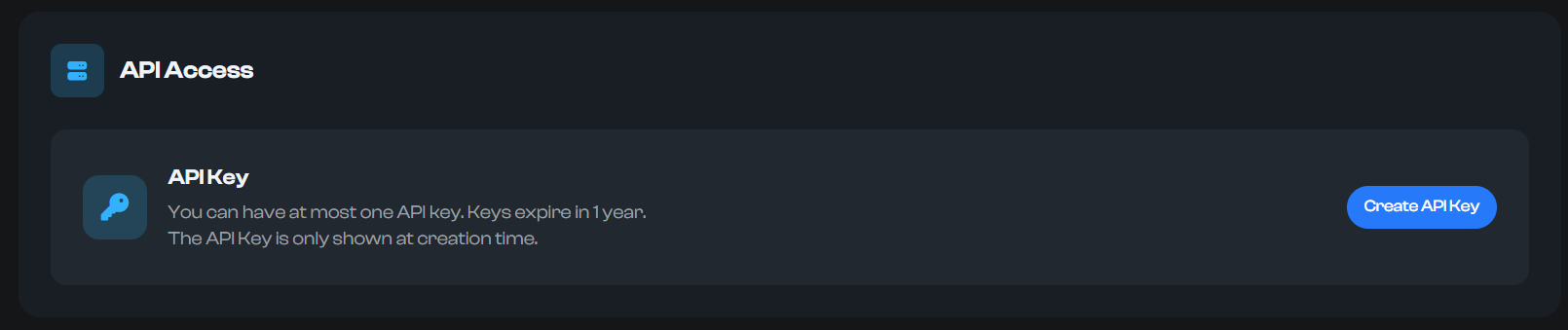
- Go to Dashboard → Settings → API Access.
- Click "Create API Key". A modal will appear showing the key once.
- Copy the key and store it securely. It won’t be shown again.
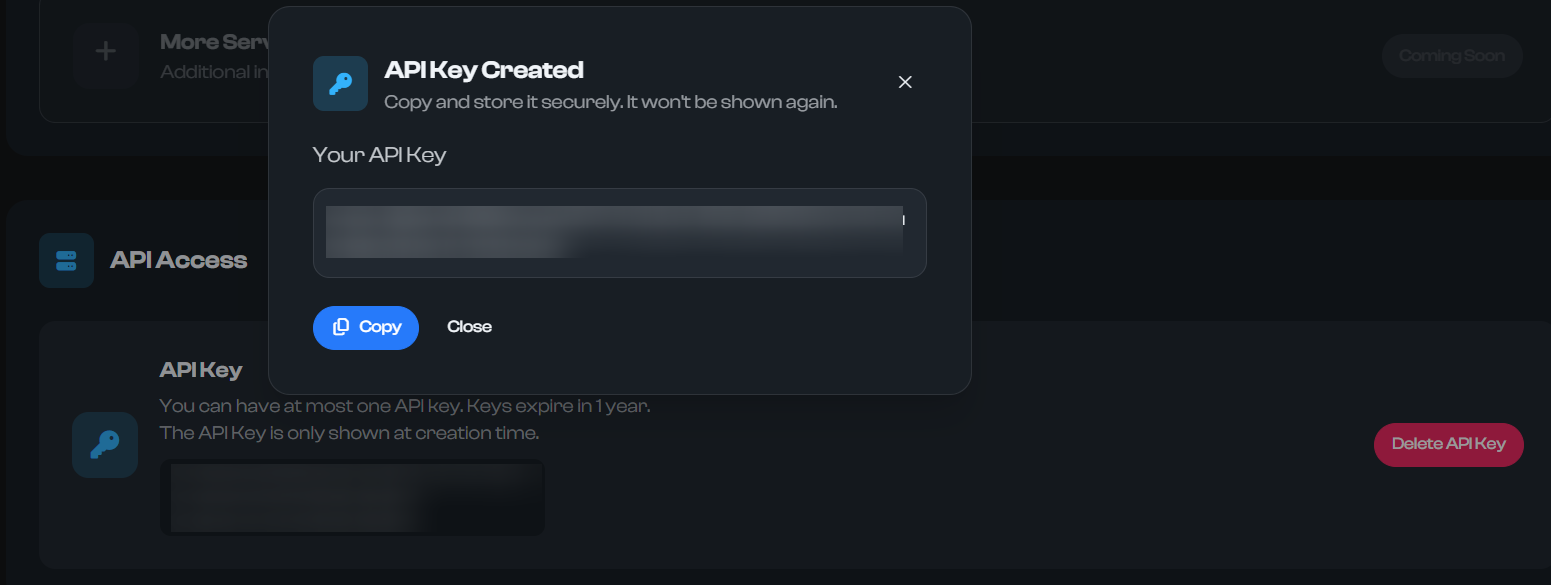
Tip: You can delete the existing key and generate a new one at any time.
User API Endpoint
- Method: GET
- URL:
https://rage.wtf/api/public/user - Required header:
x-api-key: <your_api_key>
Query Parameters
name(string, optional): Username or alias (case-insensitive)id(number, optional): Numeric userId
Provide either name or id. If both are provided, the endpoint prioritizes the provided values as-is; at least one must be present.
Example Requests
curl -X GET "https://rage.wtf/api/public/user?name=someuser" \
  -H "x-api-key: rage_your_api_key_here"
curl -X GET "https://rage.wtf/api/public/user?id=12345" \
  -H "x-api-key: rage_your_api_key_here"
// Node.js (fetch)
const res = await fetch("https://rage.wtf/api/public/user?name=someuser", {
  headers: { "x-api-key": process.env.RAGE_API_KEY },
});
if (!res.ok) throw new Error(`Request failed: ${res.status}`);
const data = await res.json();
Error Codes
- 400: Missing query or invalid id format
- 401: Missing or invalid API key
- 404: User not found
- 500: Internal server error
Response
Success response (status 200):
{
  "userId": 12345,
  "premium": true,
  "name": "someuser",
  "alias": "somealias",
  "image": "https://cdn.rage.wtf/avatars/..",
  "verified": true,
  "beta": false,
  "rageMember": false,
  "donor": false,
  "baller": false,
  "financiallyIrresponsible": false,
  "banned": false,
  "badges": [{ "name": "verified", "visible": true }],
  "creationDate": "2024-03-12T09:21:11.000Z",
  "cachedAt": "2025-11-04T12:00:00.000Z"
}
Notes:
- Responses are cached briefly; headers include cache hints. Use the most recent data when needed.
- Always include
x-api-key; requests without a valid key are rejected.