Account
Connecting Discord
Link your Discord account to RAGE.WTF to sign in with Discord, claim the Discord badge and get your roles on our server.
Linking Discord to your RAGE.WTF account lets you sign in with Discord and unlocks a few extras. Discord is currently the only connection.
What linking Discord gives you#
- Sign in with Discord: use Continue with Discord on the sign-in page.
- The Discord badge: once linked, you can claim it on the Badges page. See getting badges.
- Roles on our Discord server: badges that come with a role give you that role on the RAGE.WTF Discord.
- One step of the Set up your page checklist on Home.
Your Discord account doesn’t need to use the same email as RAGE.WTF.
Connect Discord#
- In the dashboard, open Settings, Connections.
- Next to Discord, click Connect.
- Approve the request on Discord.
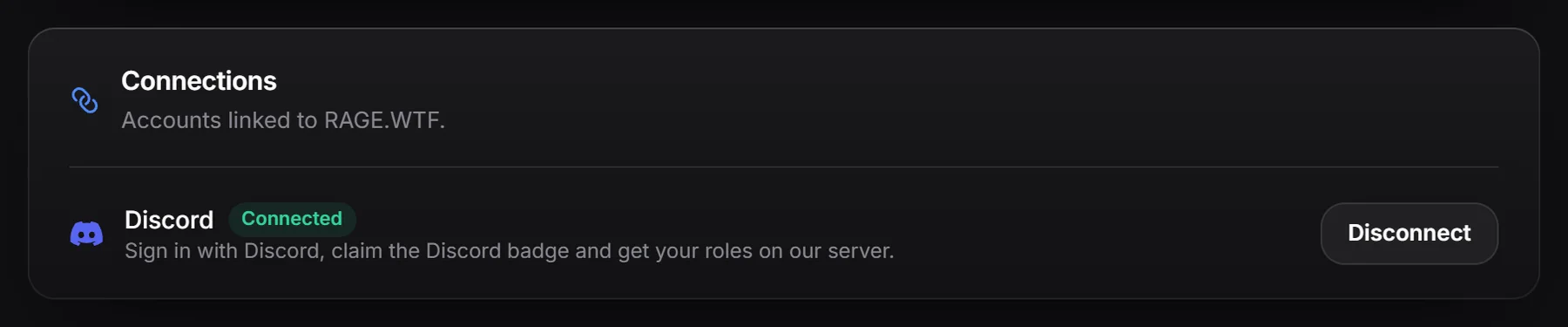
You come back to Connections with a Connected tag next to Discord.
Disconnect Discord#
Click Disconnect next to Discord.
- If Discord is the only way you sign in, there’s no Disconnect button. Set a password first.
- If you see “For your security, sign in again before disconnecting Discord”, sign out, sign back in, and try again.
After disconnecting you can’t sign in with that Discord account, and roles that came from RAGE.WTF badges can be removed from you on our server.