Your profile
Avatar, name, bio and card layout
Set your avatar, display name, bio and location, turn on the typewriter bio, pick a card layout and choose what your card shows.
The Profile section holds who you are and how your card is laid out. These settings are the same on computers and phones.
About you#
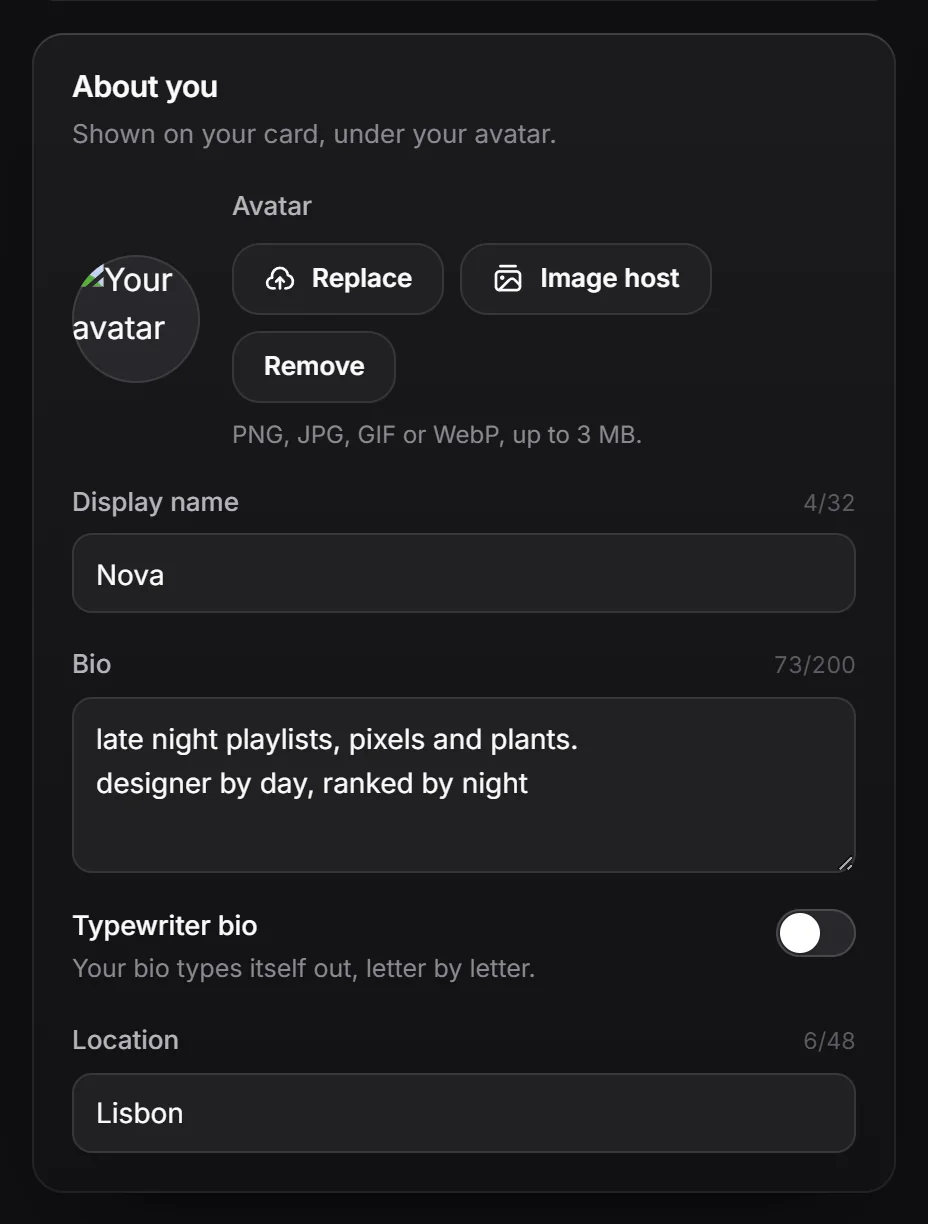
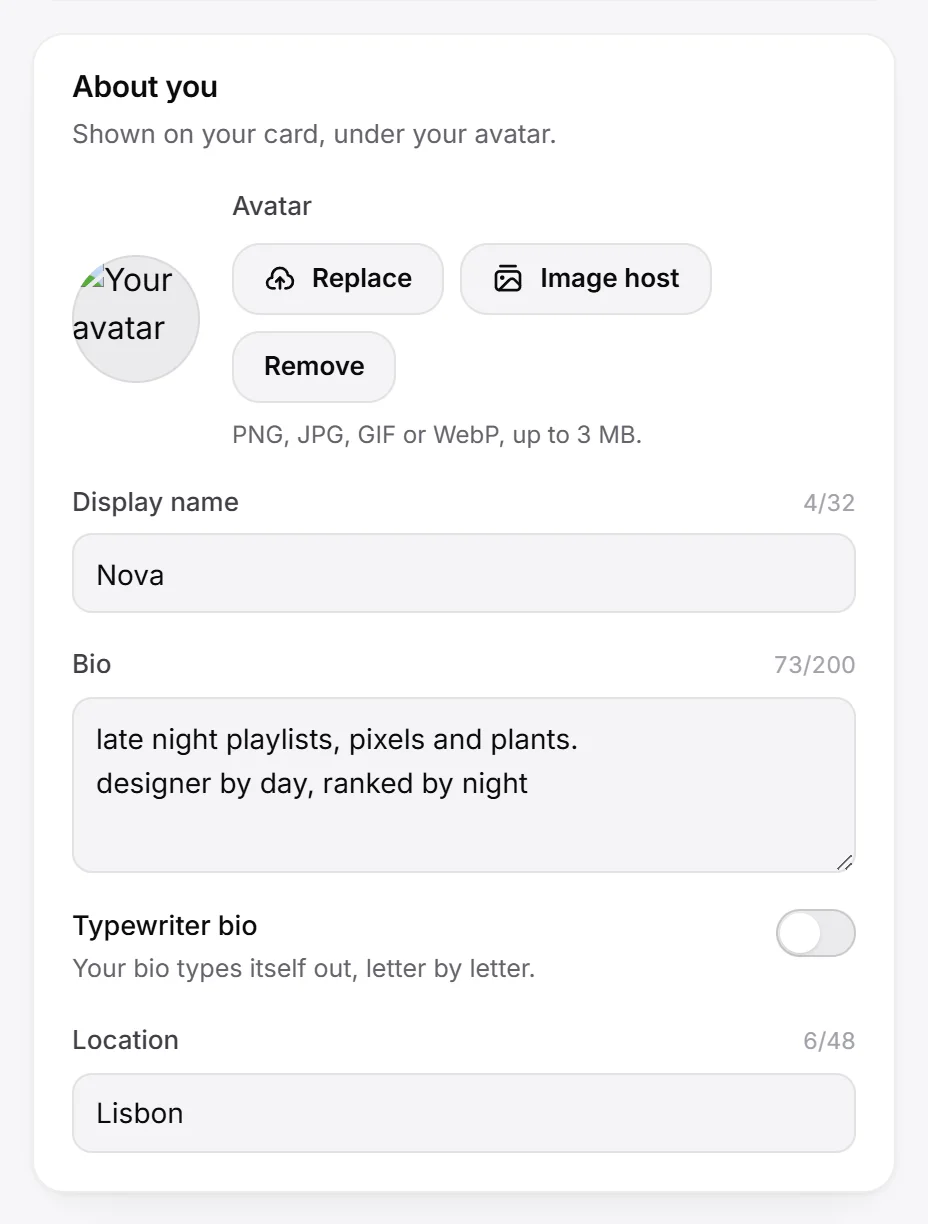
| Setting | What it does | Limit |
|---|---|---|
| Avatar | Your picture. Click Upload (or Replace), or Remove. | PNG, JPG, GIF or WebP. Up to 3 MB, or 10 MB with Premium. |
| Display name | Shown on your card instead of your username. Leave it empty to show your username. | 32 characters |
| Bio | A line or two about you. Line breaks are kept. | 200 characters |
| Location | City, country or anywhere. | 48 characters |
A counter next to each text field shows how many characters you have used.
Hovering your name on the live page shows your user number, or your @username.
Typewriter bio#
Turn on Typewriter bio and your bio types itself out letter by letter, waits, deletes itself and starts again. Visitors who turned off animations in their system settings see the whole bio.
This setting can be different on phones (see desktop and phone).
Pick a card layout#
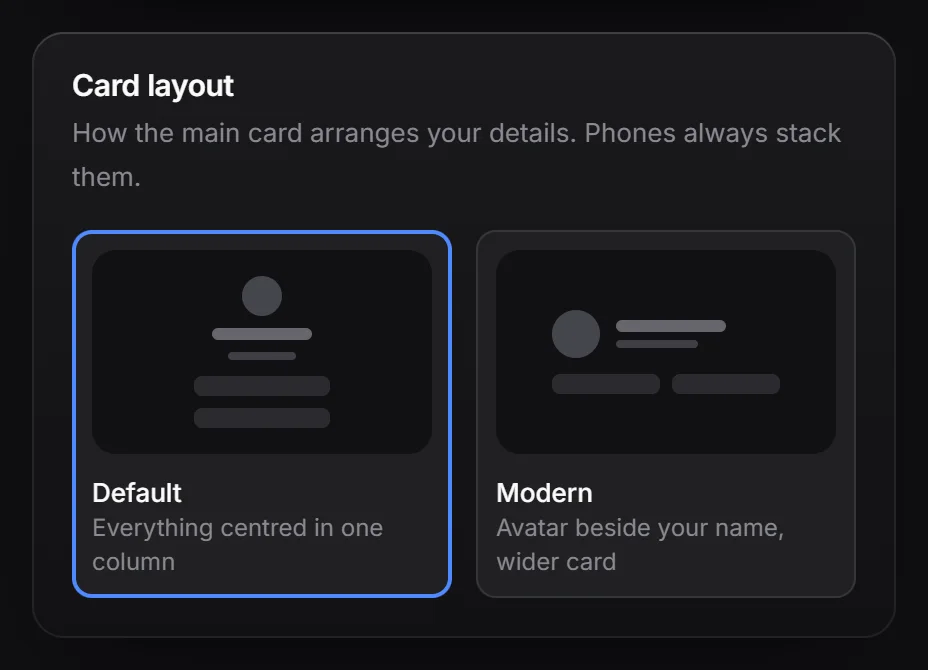
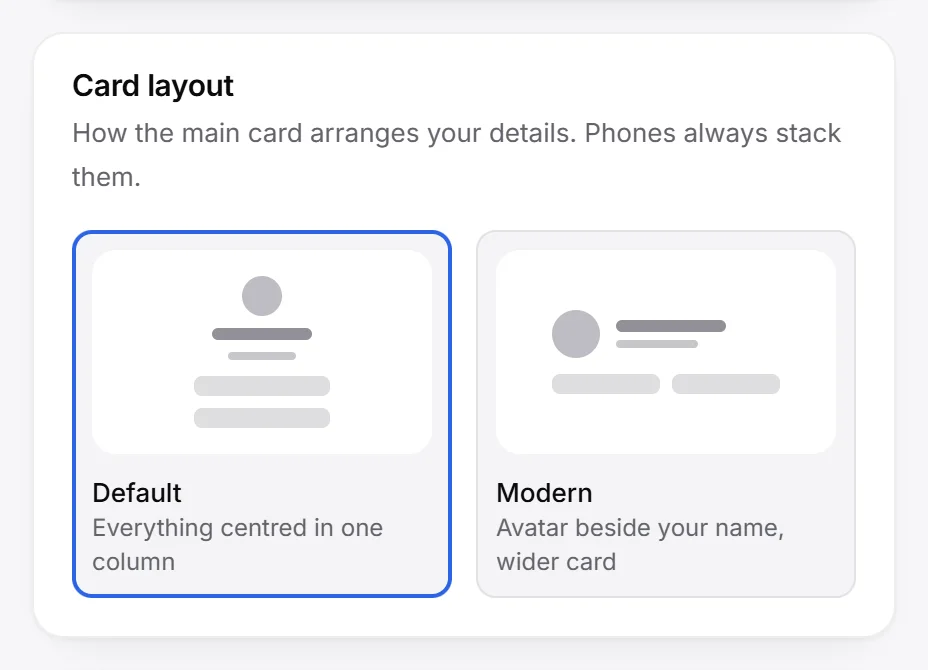
Under Card layout:
- Default: everything centred in one column.
- Modern: your avatar beside your name, on a wider card. Your view count, location and join date move to a row at the bottom of the card.
Phones always stack the card in one column, whichever layout you pick. Both layouts are free.
Choose what your card shows#
Under On your card, turn these on or off:
| Switch | What it shows | Plan |
|---|---|---|
| Name | Your display name | Free |
| Avatar | Your picture | Free |
| View count | How many people viewed your page. See views and stats. | Free |
| Join date | “Joined” with the month and year you signed up | Free |
| Location | Your location, if you added one under About you. Hiding it keeps the text saved. | Free |
| RAGE.WTF logo | The small logo at the top of your card | Hiding it needs Premium |
Without Premium, the logo always shows on your live page, even if you switched it off.
Privacy#
The Privacy box in the same section has Private page, Under construction, Adult content and Comments. See privacy.