Your profile
Link previews and search engines
Choose how your link looks when shared on Discord, X and other apps, and whether search engines may list your page.
When you paste your link into Discord, X or another app, it shows a preview with a title, a description, an image and, on Discord, a coloured stripe. You can change all of this in the Sharing section.
What your link shows by default#
Without any changes, your link shares:
- Title: your name and username, like “David (@david) | RAGE.WTF”. The username is left out when it’s the same as your name, or when you hide your name on your card.
- Description: your bio, cut to 155 characters. With no bio, a short line built from your page, like “David’s links on RAGE.WTF: Instagram, TikTok, Discord.”, or “David on RAGE.WTF.” if there is nothing to list.
- Image: your generated share card, always shown large.
- Colour: black.
The editor’s preview uses the same defaults, so what you see there is what apps get. Without a bio, the preview says “David’s links on RAGE.WTF.” because the editor doesn’t know your services; the real description names them.
Pick a card layout#
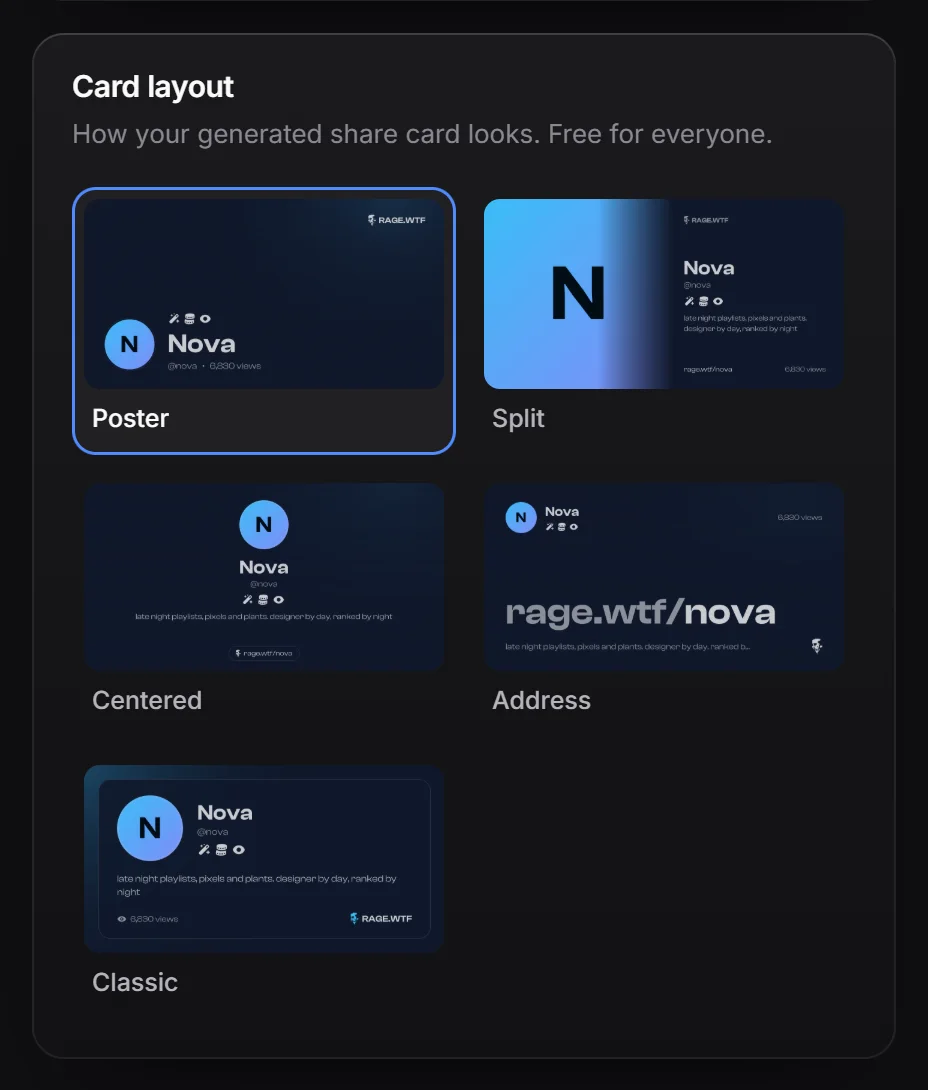
Your generated share card is a 1200 x 630 picture of your published page. It shows your avatar, name, username, bio, up to 8 badges, your view count and your background picture, in your theme colours. Anything you hide on your card (name, avatar, view count) stays hidden on it too. Background videos are left out.
Card layouts are free for everyone.
- In Sharing, go to Card layout.
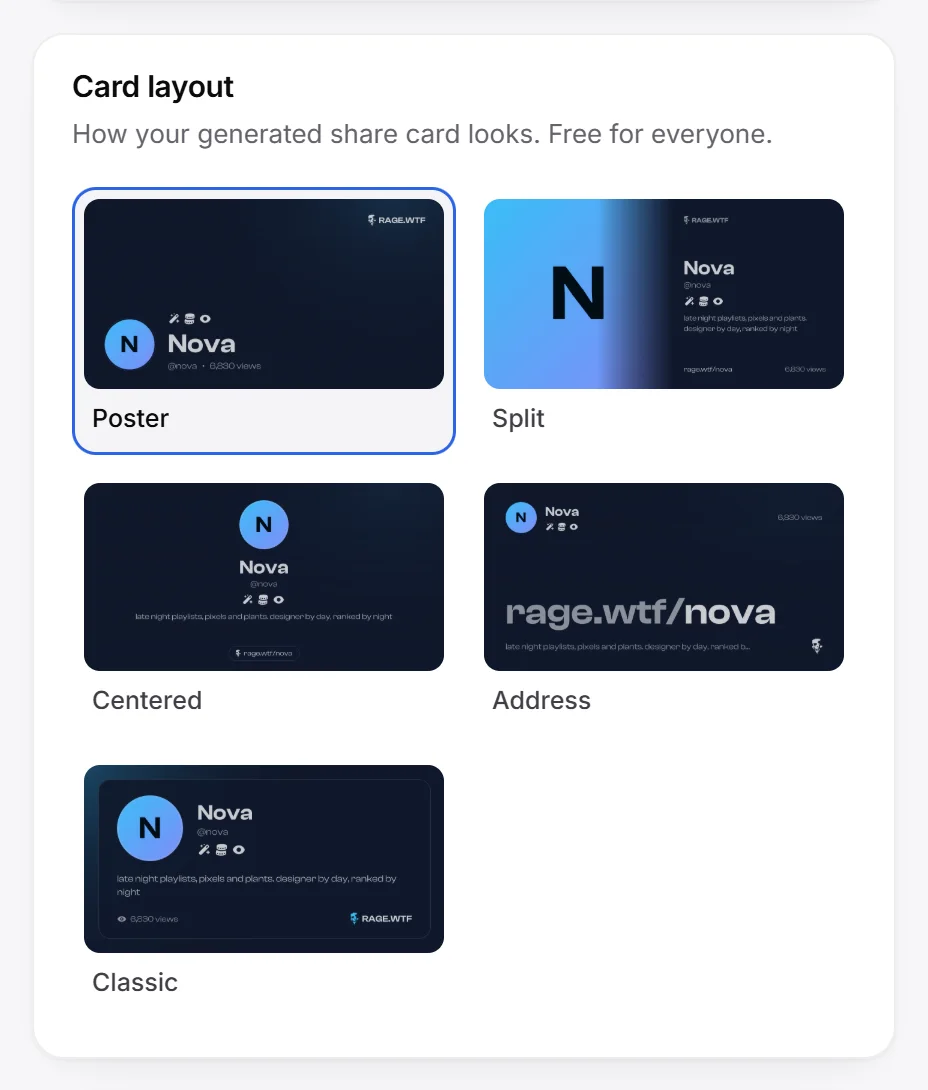
- Pick Poster (the default), Split, Centered, Address or Classic. Each option shows your own page in that layout.
- Press Publish.
The card is drawn from your published page, so it changes after you publish.
Set your own title, description, image and colour#
Under Link preview:
- Title: up to 60 characters.
- Description: up to 155 characters.
- Share image: click Upload image to use your own picture instead of the generated card. PNG, JPG, GIF or WebP, up to 10 MB with Premium. 1200 x 630 fits best. Click Remove to go back to the generated card.
- Large image: only with your own image. On, the image shows big under the text. Off, it shows as a small picture beside the text. The generated card is always large.
- Embed colour: the stripe beside your link on Discord. Reset clears your colour, and your link goes back to the default.
Leave a field empty to keep its default. Press Publish when you’re done.
If your Premium ends, your own title, description, image and colour stay saved, but your link shares the defaults until you have Premium again.
Preview your link#
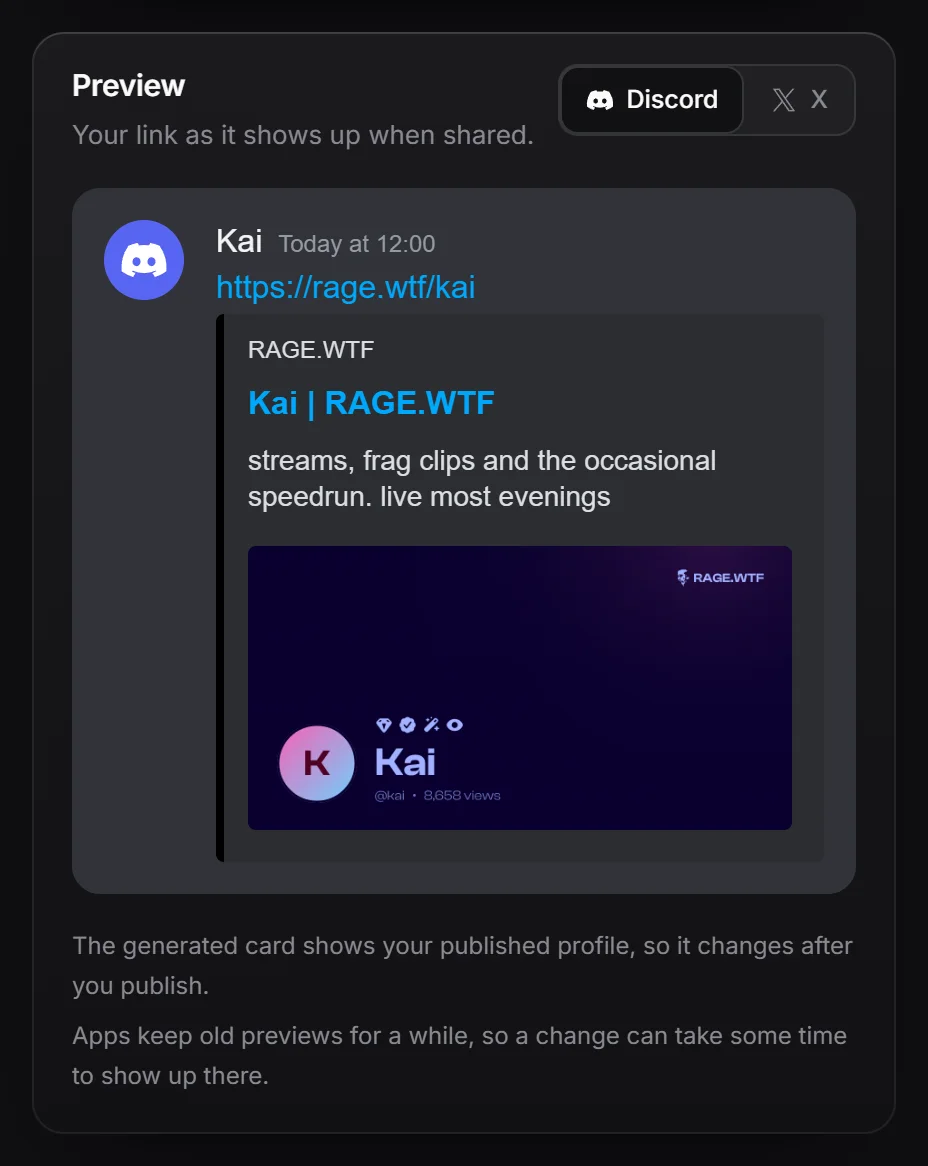
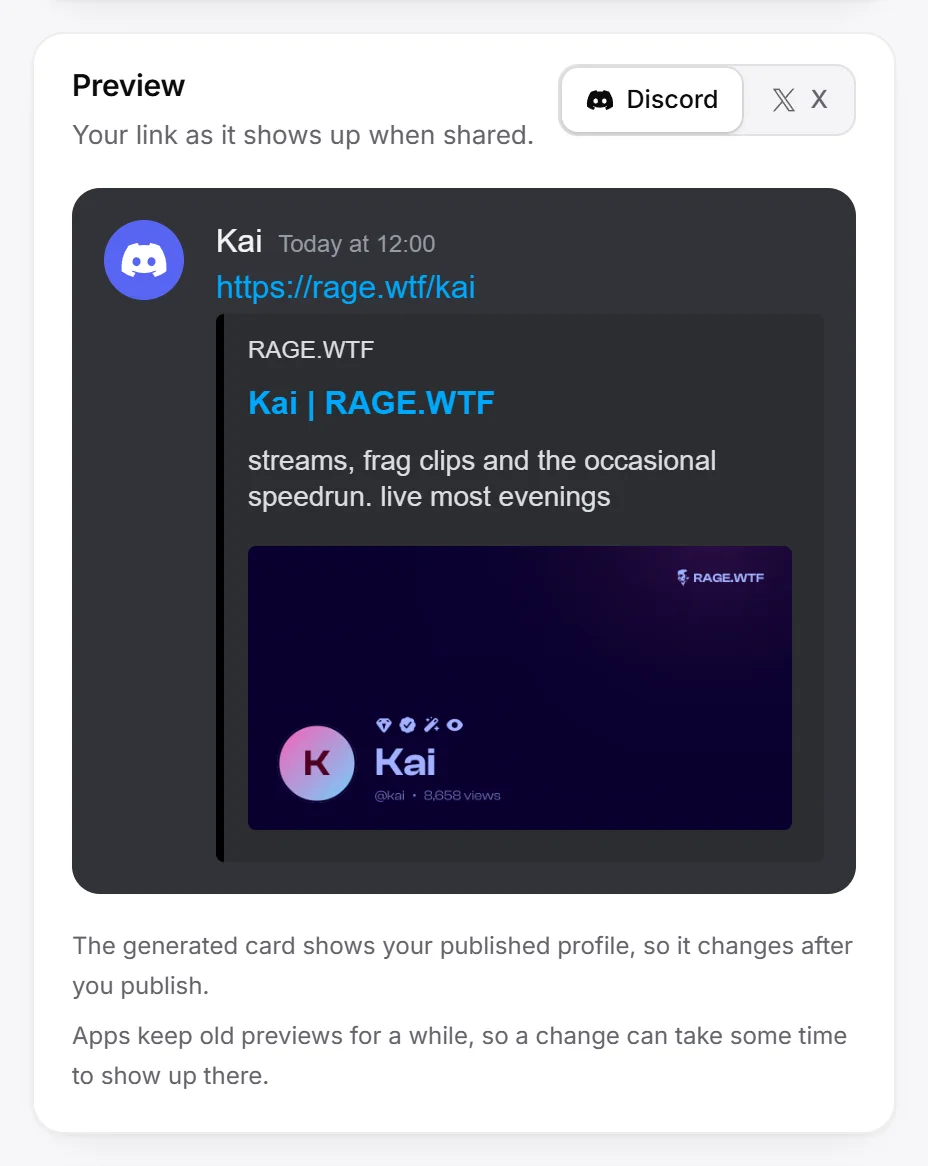
Under Preview, switch between Discord and X to see your link the way each app shows it, with your current changes.
Search engines#
Under Search engines, the switch Show my page in search results decides whether Google and other search engines may list your page. It’s on by default and free.
- Off, search engines are asked to leave your page out. People with your link can still open it, and link previews keep working.
- On, your page can be listed once all of these are true:
- It isn’t private, under construction or marked as adult content (see privacy).
- Your email address is verified.
- Your account is at least 3 days old.
- Your page has an avatar or a bio, plus at least one link, integration or scene.
Search engines can take a few weeks to add or drop a page.