Getting started
Welcome to RAGE.WTF
What RAGE.WTF is, how to create your account, verify your email and set up your page in a few minutes.
RAGE.WTF gives you one link for everything: a page at rage.wtf/yourname with your links, badges, music, integrations and your own look. Creating an account is free and takes about a minute.
Create your account#
- Go to rage.wtf/auth/register or click Claim in the top-right corner of the site.
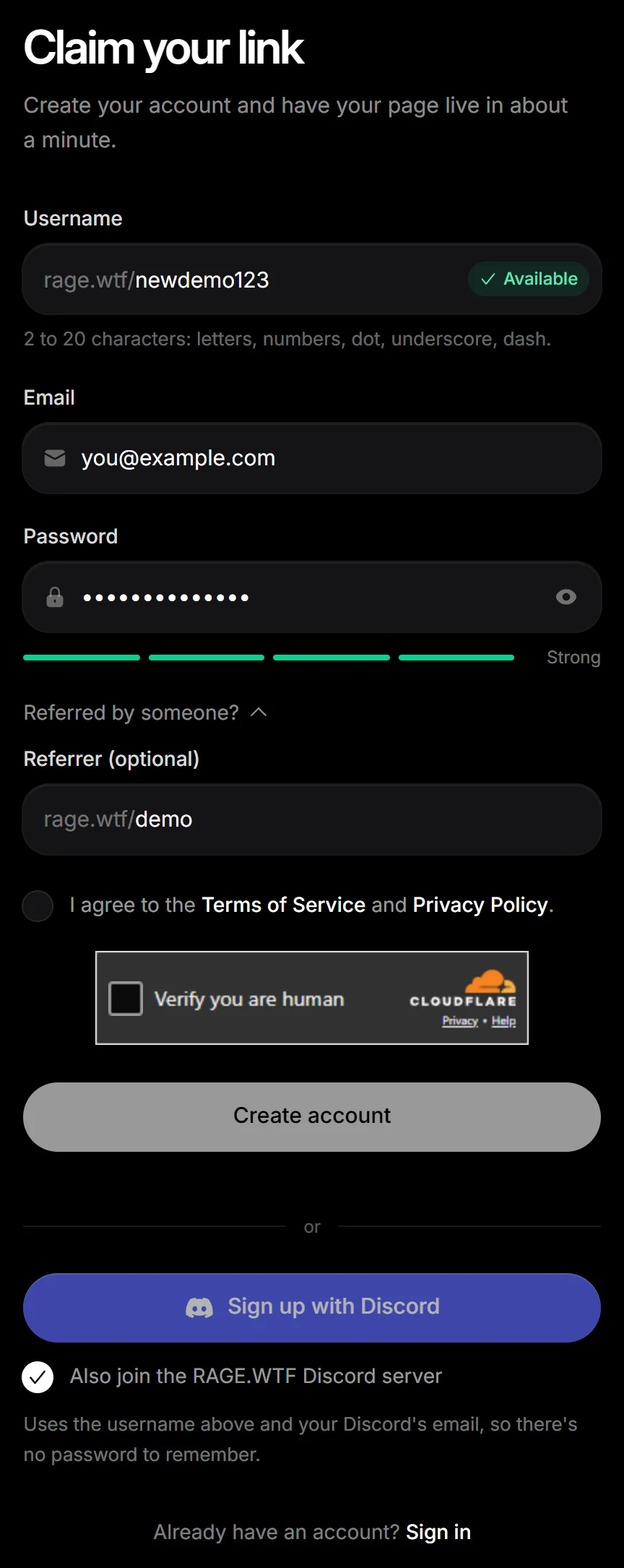
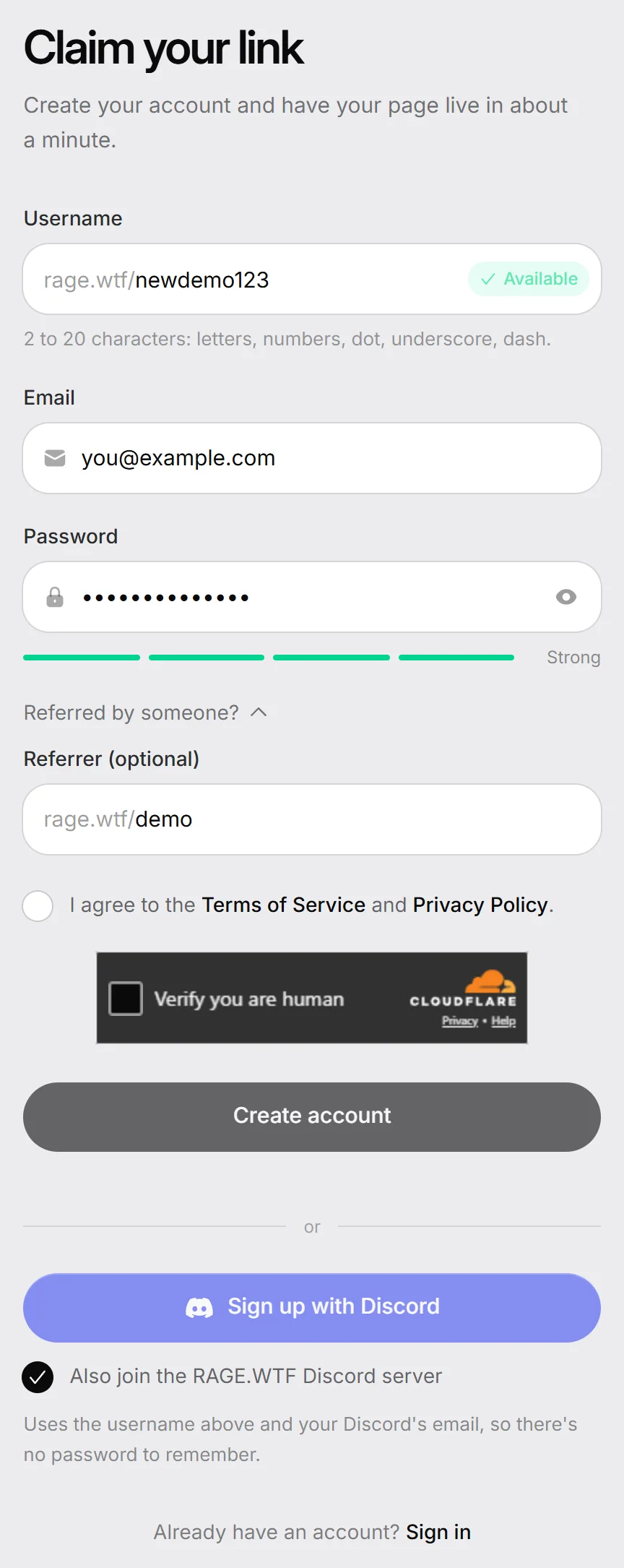
- Fill in the form:
- Username: this becomes your address,
rage.wtf/yourname. A green Available tag appears when nobody has it. - Email: where your verification link, sign-in codes and receipts go.
- Password: at least 8 characters. The meter below it (Weak, Okay, Good, Strong) is only a guide.
- Referred by someone?: optional. Open it and type the username of the person who invited you in Referrer (optional).
- Username: this becomes your address,
- Tick I agree to the Terms of Service and Privacy Policy.
- Click Create account.
Username rules#
- 2 to 20 characters.
- Letters, numbers, dot (
.), underscore (_) and dash (-) only. - Names are not case-sensitive:
Nameandnameare the same address, so only one person can have it. - Some words are reserved for the site itself, like
dashboard,pricing,leaderboards,docs,loginand single digits.
You can change your username later. See usernames and aliases.
Sign up with Discord instead#
- Fill in Username (and Referred by someone? if someone invited you). You can leave Email and Password empty.
- Tick I agree to the Terms of Service and Privacy Policy.
- Leave Also join the RAGE.WTF Discord server ticked to be added to our server, or untick it.
- Click Sign up with Discord and approve the request on Discord. With the box ticked, Discord also asks to let RAGE.WTF “Join servers for you”; that only adds you to the RAGE.WTF server.
Your account uses your Discord’s email address and has no password. You sign in with Continue with Discord, and can add a password later in Settings. If Discord hasn’t confirmed that email, you verify it like an email sign-up (below).
If you already have a RAGE.WTF account with that email, no new account is made: sign in with your email, then link Discord in Settings. See connections.
Verify your email#
Right after you sign up, we send an email from RAGE.WTF with a Verify my account button.
- Open the email (check your spam folder if it isn’t there).
- Click Verify my account.
- Your dashboard opens, already signed in.
The link expires after 1 hour. Until your email is verified, the dashboard shows the Verify your email page instead of your dashboard.
- To get a new link, click Resend verification email. After a send, the button waits 5 minutes before you can use it again.
- Signed up with the wrong address? Click Use a different account to sign out and register again.
- Still nothing? Email [email protected].
Set up your page#
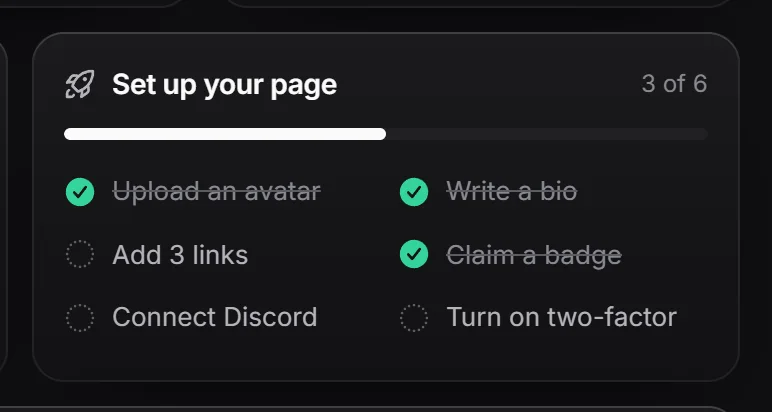
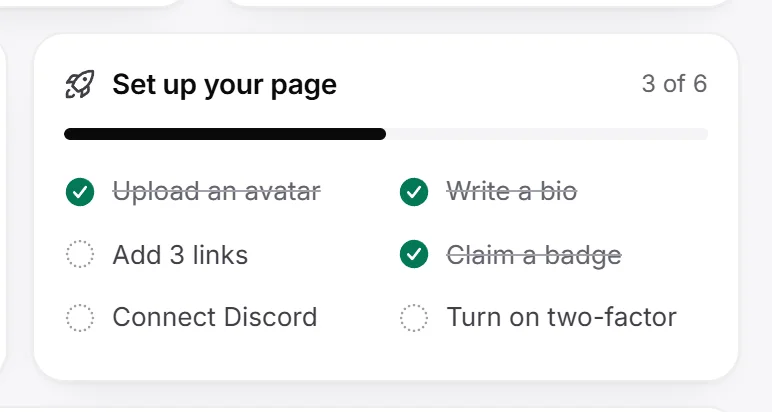
Your dashboard Home has a Set up your page checklist. It disappears once every step is done:
| Step | Where to do it |
|---|---|
| Upload an avatar | Profile editor |
| Write a bio | Profile editor |
| Add 3 links | Links |
| Claim a badge | Getting badges |
| Connect Discord | Connections |
| Turn on two-factor | Security |