Premium and the Store
Sales and discounts
How Store sales look, which prices they change, and the rules for limited sales and subscriptions.
From time to time the Store runs a sale with a percentage off some products. You don’t need a code: the discount is applied automatically.
Spot a sale#
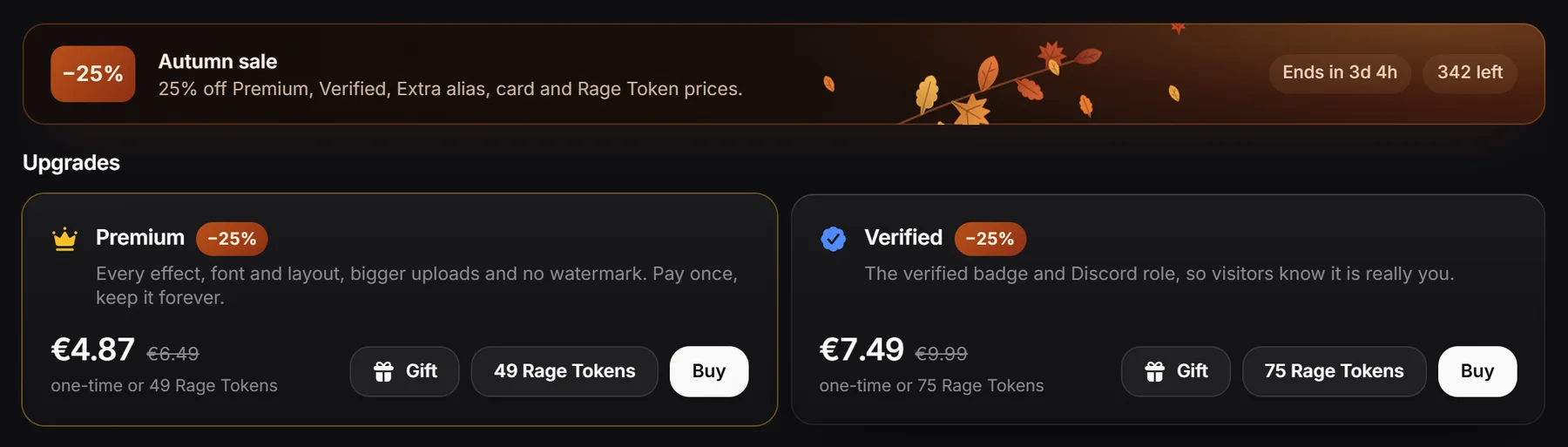
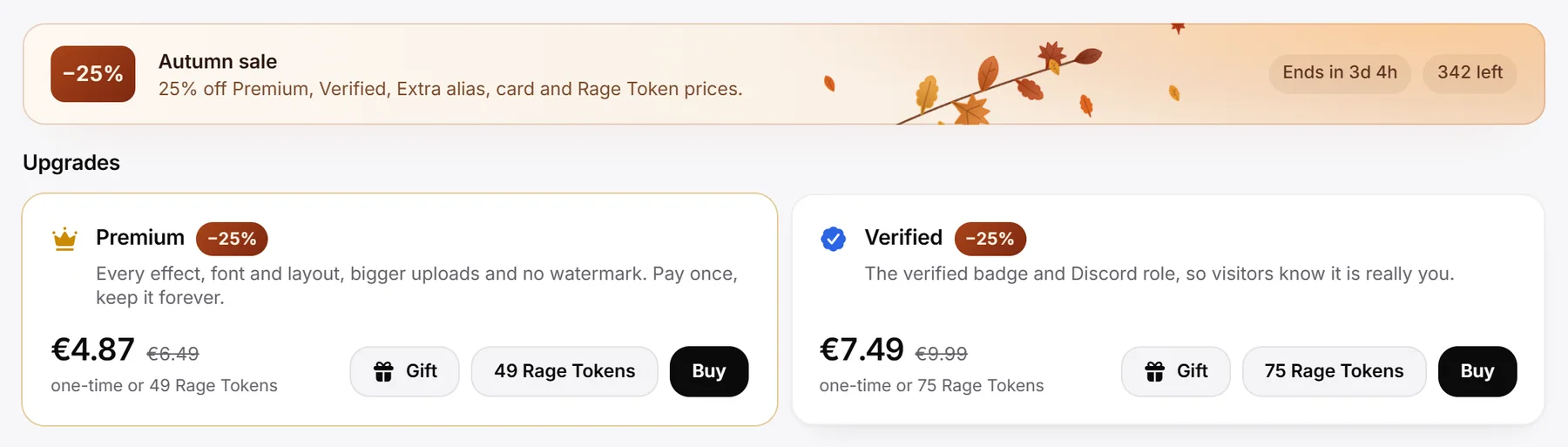
- A banner at the top of the Store shows the sale name, the discount, the products it covers and, when set, a countdown like “Ends in 2d 4h” and how many are left, like “40 left”.
- Products on sale show a sale pill and the old price crossed out next to the new one. Products you already own don’t show the pill.
- The Store item in the dashboard sidebar shows a tag with the biggest discount, for example -25%.
- The pricing page shows sale prices too.
How sale prices work#
- The discount applies to both card or PayPal prices and Rage Token prices.
- Euro prices are rounded to the cent. Rage Token prices are rounded to a whole token and never go below 1 token.
- Sales don’t add up. If two sales cover the same product, you get the bigger discount.
- A sale ends at its end time, or earlier if it is limited and all its uses are gone.
Image Host plan on sale#
For the Image Host subscription, the sale price is for your first payment only. The Store says, for example, “first year, then €34.99”, and after that the plan renews at the normal price. See Image Host plan.
Limited sales#
Some sales can only be used a set number of times.
- When you open card or PayPal checkout, your spot is held for 1 hour while you pay.
- If the last spots are held by other people’s checkouts, you see that the last spots of the sale are waiting to be paid, and to try again in a few minutes.
- If you close the payment window without paying, the spot frees up again after the hour.