Image host
Links, domains and embeds
Choose the domain and name in your image links, make uploads expire, set up the Discord embed, and see what people get when they open a link.
Every upload gets a short share link. On the Image Host plan you can choose how those links look, make new uploads delete themselves, and change what Discord and other apps show for them.
How image links look#
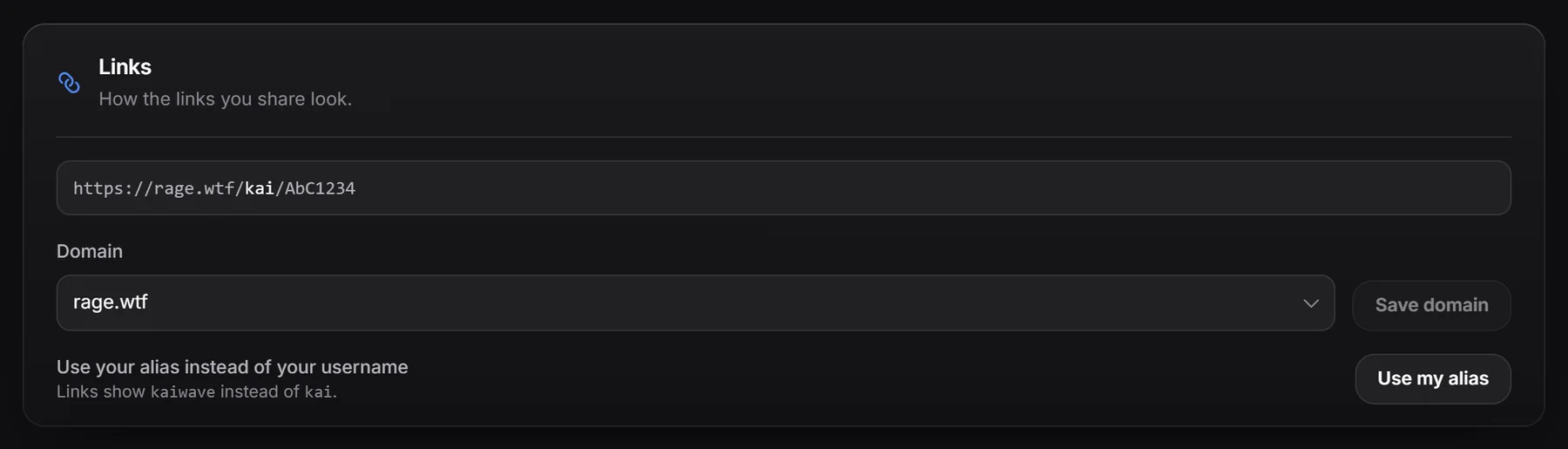
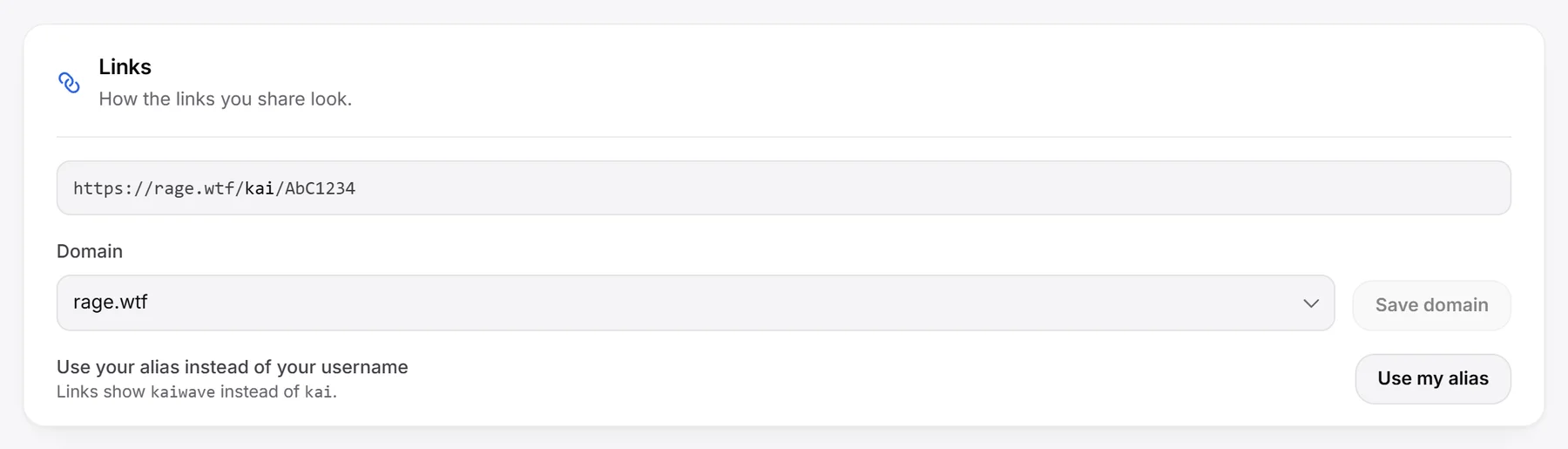
https://rage.wtf/yourname/AbC1234rage.wtfis the domain. On the free plan it’s always rage.wtf.yournameis your username, or your alias if you choose it.AbC1234is the image’s own 7 character code.
Your images work on every RAGE.WTF domain. The settings below only decide how new links are written when you upload.
Choose the domain#
- Open Image host, then Settings. The Links section shows an example link.
- Pick a Domain.
- Click Save domain. New links use that domain.
| Domains | Who can pick them |
|---|---|
| rage.wtf, coke.wtf, vodka.wtf, hating.wtf, crybaby.wtf, malefic.wtf, esex.wtf, ewhore.wtf, 1v9.wtf, packing.wtf, loudest.wtf | Everyone with the Image Host plan |
| xtc.wtf, praise.wtf, worship.wtf, suicide.wtf, whore.wtf, extort.wtf, doxing.wtf, taxevasion.wtf | Image Host plan and Premium |
If you lose Premium, links opened on a Premium domain show Link unavailable. The same images still open on any other domain.
Use your alias in links#
In the Links section, click Use my alias. New links show your alias instead of your username. Click Use my username to switch back.
Links open with any of your current names. If you change your username or remove an alias, links that use the old name stop working.
Make uploads expire#
- In Settings, go to Expiring uploads.
- Pick a time in Delete new uploads after: Never, 1, 7, 30, 60, 90, 180 or 365 days.
- Click Save.
- Only images you upload after saving expire. Older images are not changed.
- The expiry date is set when you upload, so changing the setting later doesn’t change existing images.
- An automation with Expire overrides this for the images it matches.
- When an image expires, its link shows This image expired right away. The file is removed within a day, which is when the space is freed.
- The Expire this week number on the Overview tab and Expires in the gallery show what’s coming up.
Set up the Discord embed#
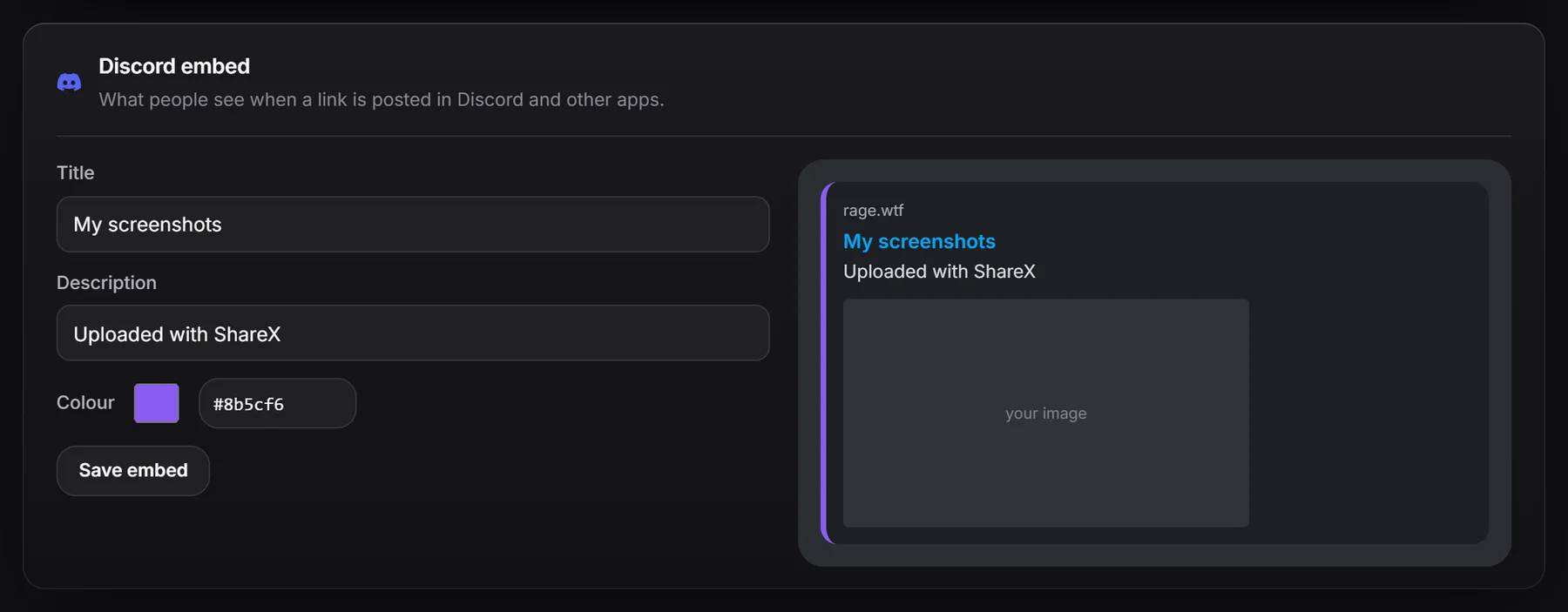
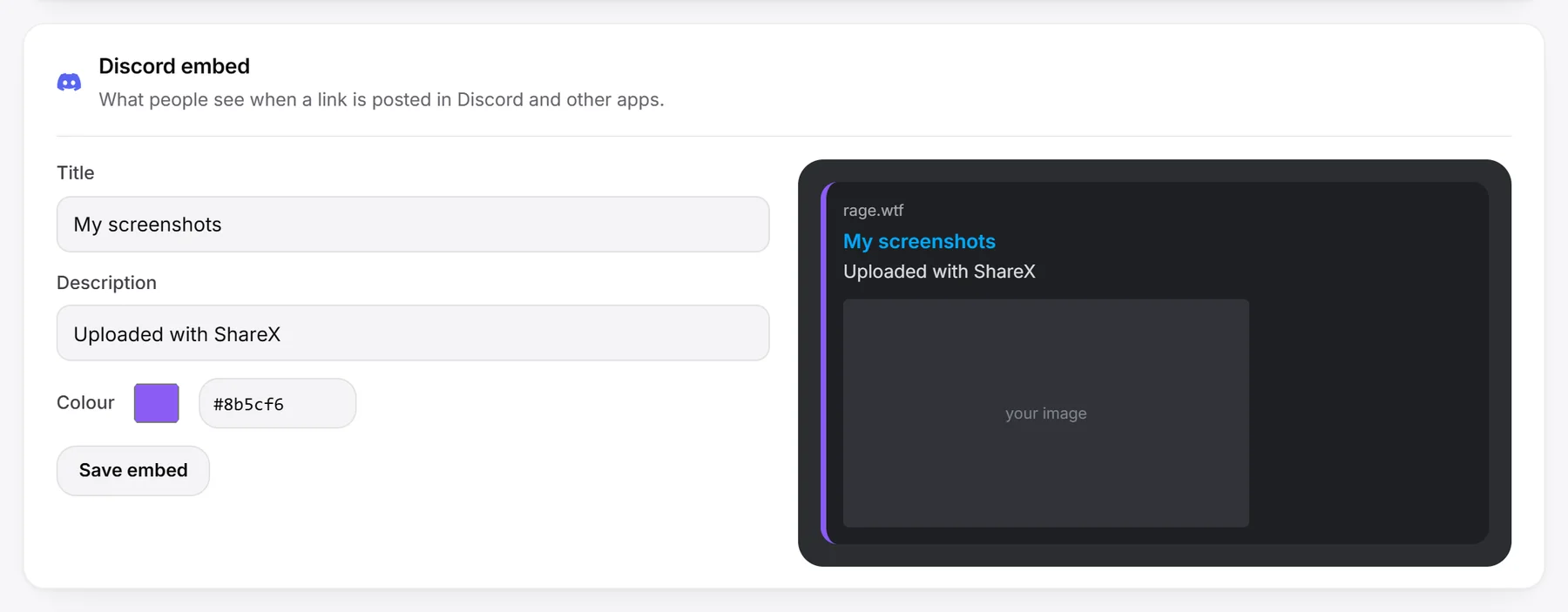
When you post an image link in Discord (and apps like X, Telegram, WhatsApp or Slack), they show a preview card. You can change its text and colour.
- In Settings, go to Discord embed.
- Fill in any of:
- Title: up to 60 characters. Empty uses the file name.
- Description: up to 160 characters. Empty shows “Hosted on” and the domain.
- Colour: pick a colour or type a hex code like
#3b82f6.
- Watch the preview next to the form, then click Save embed.
- The embed applies to all your images, old and new.
- The title and description are plain text. They are the same for every image.
- Discord keeps its own copy of previews for a while, so links you already posted may show the old embed.
- On the free plan (or if your plan ends), links show the file name, “Hosted on” and the domain, and a blue colour.
What people see when they open a link#
- In a browser: a dark page with your image in the middle and a link to your RAGE.WTF page below it.
- In Discord and other apps: a preview card with the image, your embed title, description and colour.
- In an image tag or a download tool: the image file itself, so you can use share links as image addresses.
- With an extension on the end (like
/AbC1234.png): always the image file.
Every time someone opens a link, it counts as a view in your gallery. Preview bots from Discord and other apps are not counted.
| What they see | Why |
|---|---|
| Image not found | The image was deleted, or the link is wrong. |
| This image expired | The image reached its expiry date. |
| Link unavailable | The link uses a Premium domain and the owner no longer has Premium. |
Image pages are not listed in search engines. Links from the old RAGE.WTF gallery (rage.wtf/img/...) still work.