Your profile
Privacy
Make your page private, show an under construction page, label it as adult content, or turn comments off.
The Privacy settings decide who can see your page and what they can do there. All of them are free.
Change a privacy setting#
- In the dashboard, open Profile. The Profile section opens first.
- Scroll down to Privacy.
- Turn a switch on or off.
- Press Publish. Like every editor change, nothing happens on your live page until you publish.
Private page#
Only you can see your page while this is on. Visitors get a page not found.
- When you’re signed in and open your page, a notice at the top says “Private. Only you can see this page.”
- Your link has no share card, and comments on your page can’t be read or posted by anyone else.
- Search engines never list a private page.
- If you changed your username, your old address doesn’t send visitors to a private page.
Under construction#
Visitors see a page saying yours is being worked on. You still see your profile.
- Visitors get a RAGE.WTF page titled “Being worked on.” that says you’re building your page right now, with Back home and Make your own page buttons. Nothing from your page is shown.
- When you’re signed in, you see your real page with a notice: “Under construction. Visitors see a “being worked on” page.”
- Shared links show “Your name - RAGE.WTF” with the text “Your name’s page is being worked on. Check back soon.”
- Views are not counted while your page is under construction, and search engines don’t list it.
If Private page is also on, private wins: visitors get a page not found.
Adult content#
Turn this on if your page has content for adults only.
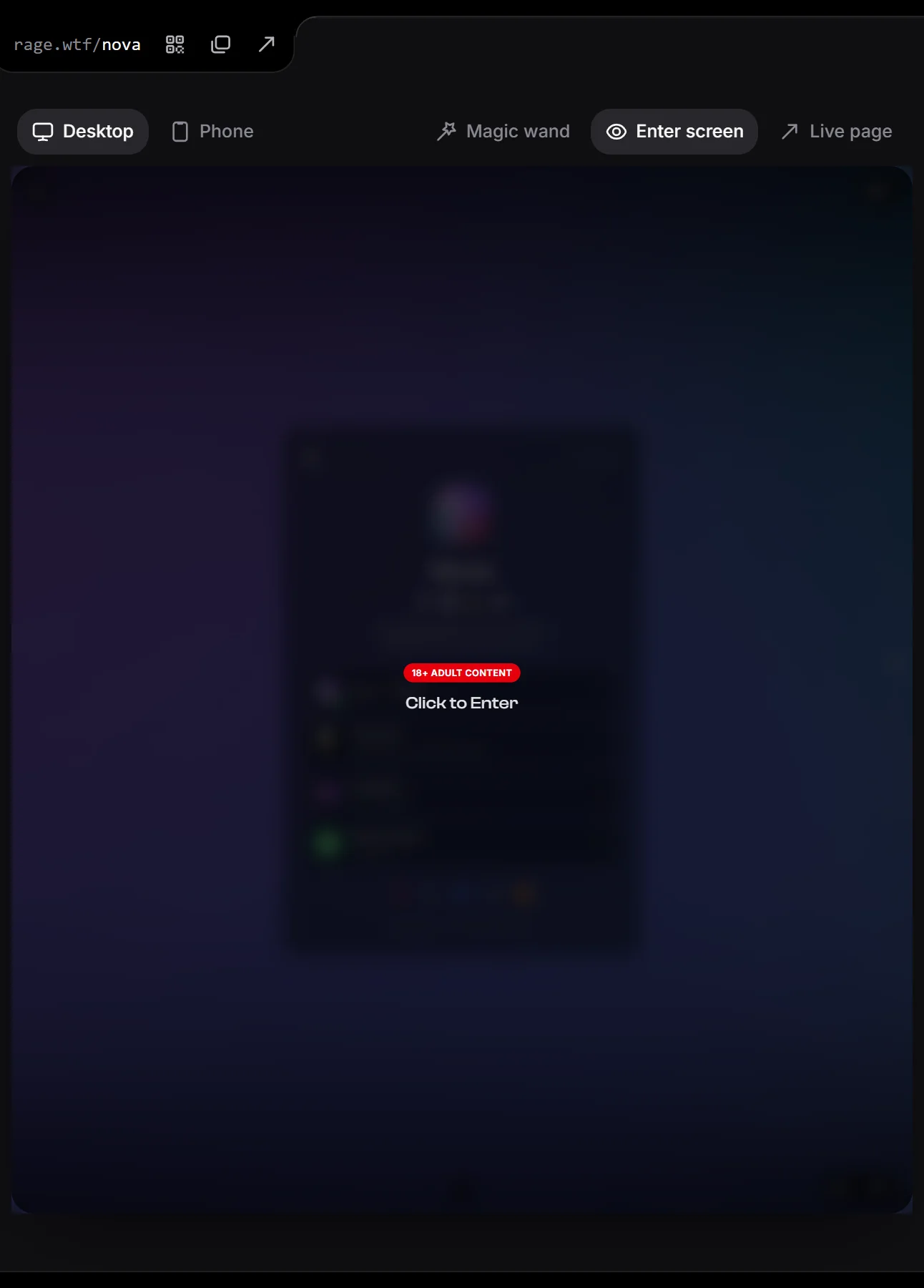
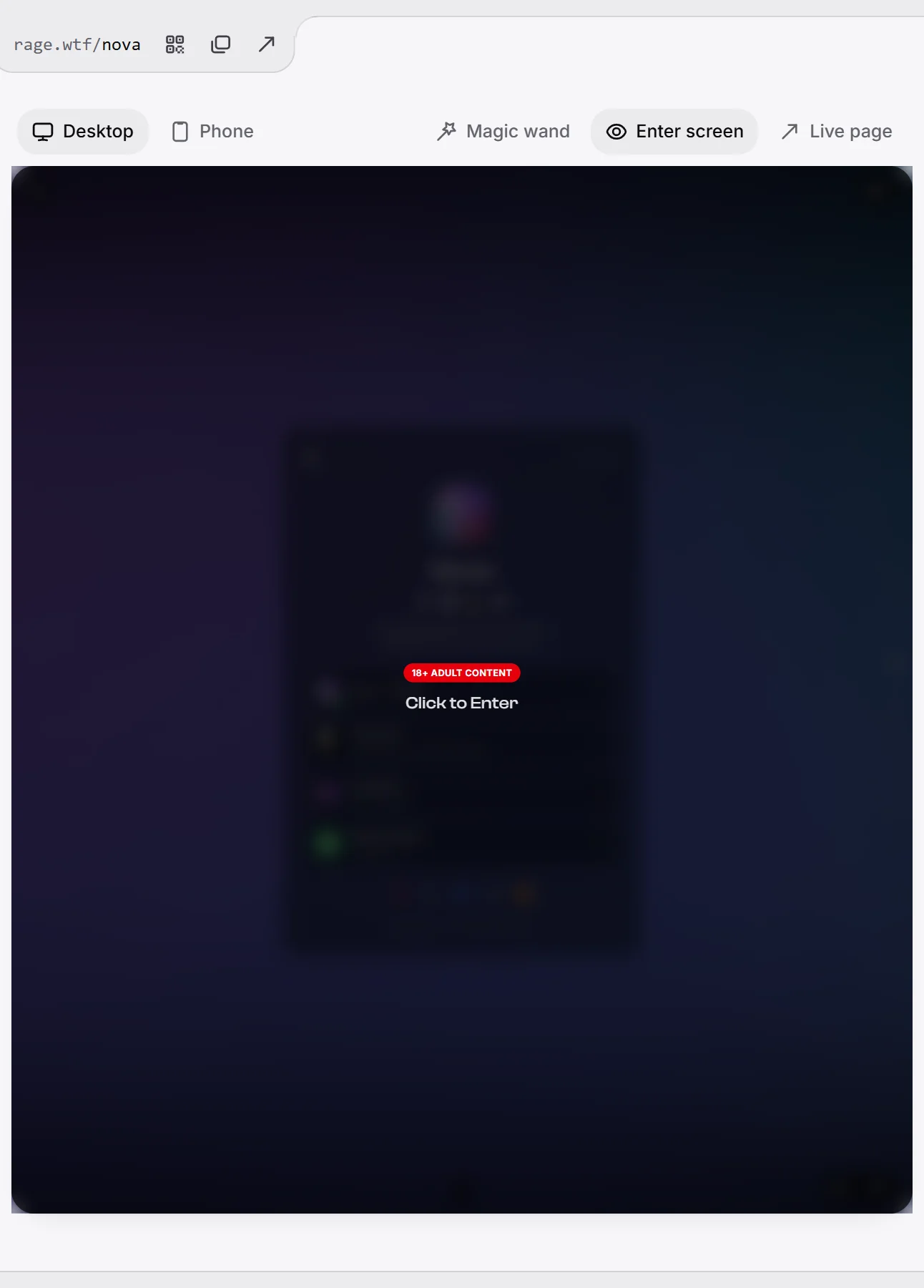
- Your enter screen shows a red 18+ ADULT CONTENT label above your text.
- Visitors see the label before your page opens. Entering works the same as on any page: one click or tap on the enter screen. There is no separate age question.
- Your page is marked as adult for search engines’ safe search, and it is never listed in search results.
Comments#
Visitors can leave comments on your page while this is on. It’s on by default.
- Off, nobody can post new comments or replies. Visitors see “Comments are turned off on this profile.”
- Comments that are already there stay visible. The comments button stays on your page as long as there is at least one comment. You can still delete comments one by one.
See comments and likes for how comments work.
Hide your view count#
This one lives just above Privacy, under On your card: turn off View count to hide the number of views on your card and on your share card. See views and stats.
Related#
- Link previews and search engines
- Enter screen
- Templates: applying a template can also ask whether to take its private and adult settings.