Account
Deleting your account
Permanently delete your RAGE.WTF account, your page and everything on it.
You can delete your account yourself from Settings. It can’t be undone.
Before you delete#
- If you only want to hide your page for a while, make it private instead. See privacy.
- If you have an image host plan, cancel the subscription first so you aren’t billed again.
- Your tokens, Premium and other perks go with the account.
Delete your account#
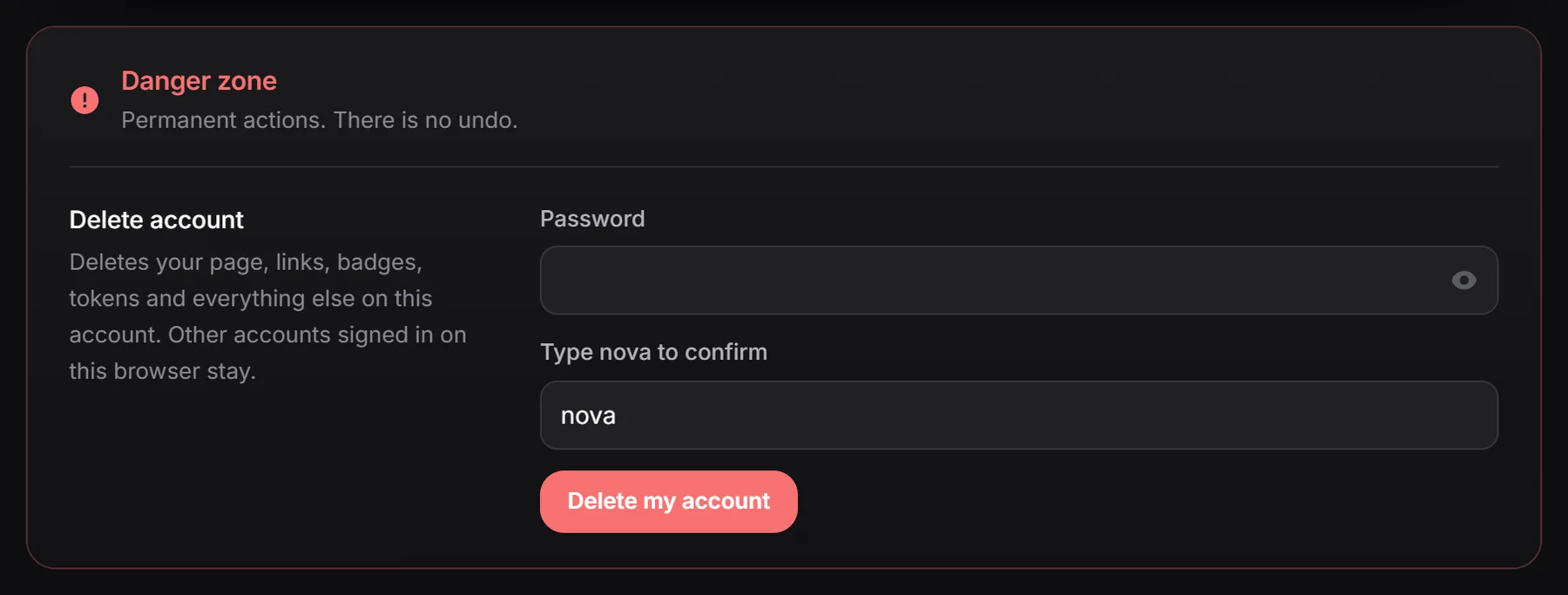
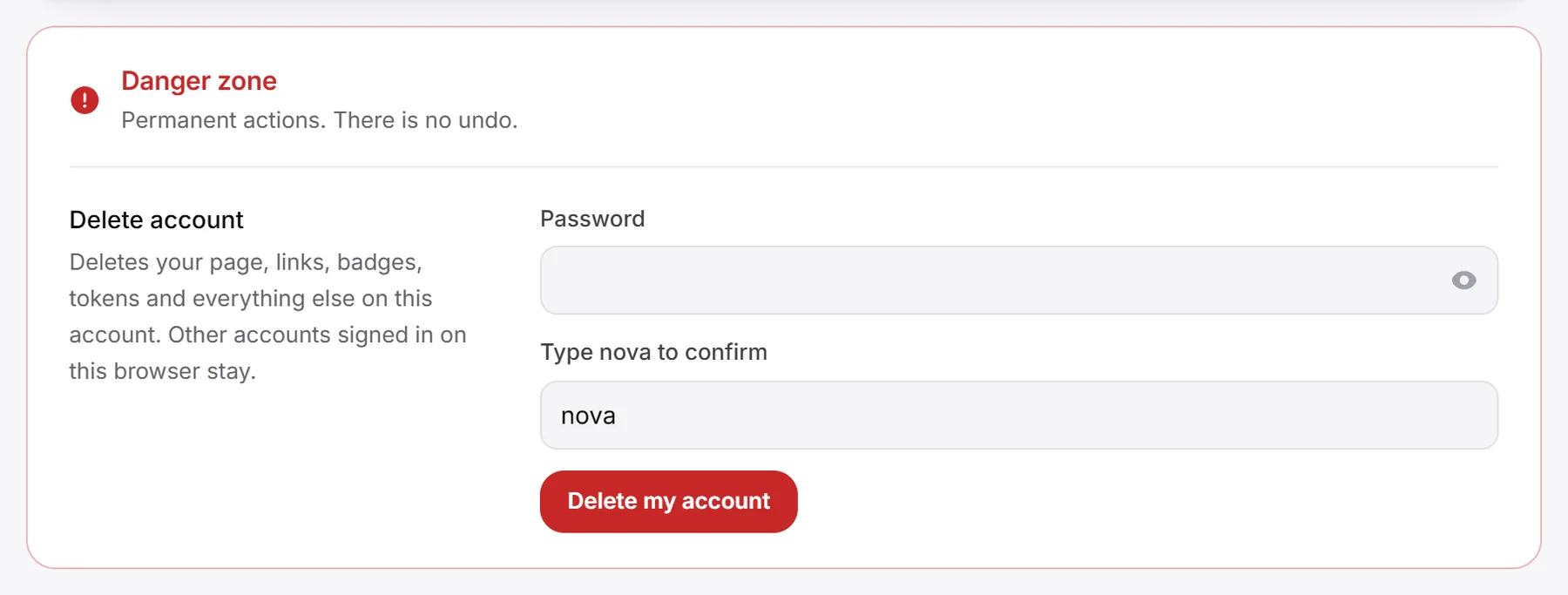
- In the dashboard, open Settings and scroll to Danger zone.
- Enter your Password (this field only shows if your account has one).
- In Type yourname to confirm, type your username exactly as shown (capital letters don’t matter).
- Click Delete my account. The button only works once the username matches.
You’re signed out and taken to the home page. Other accounts signed in on the same browser stay signed in.
If it doesn’t work#
- “Check your password, or sign in again first”: check your password. If your account only uses Discord and has no password, sign out, sign in with Discord again, and delete right away.
- Can’t sign in at all? Email [email protected] from the address on your account.