Your profile
Trying Premium settings
Try Premium options in your preview before you buy, see what needs Premium to publish, and what happens when Premium ends.
You can pick any Premium option in the profile editor and see it on your preview, even without Premium. Publishing it is what needs Premium.
Spot Premium settings#
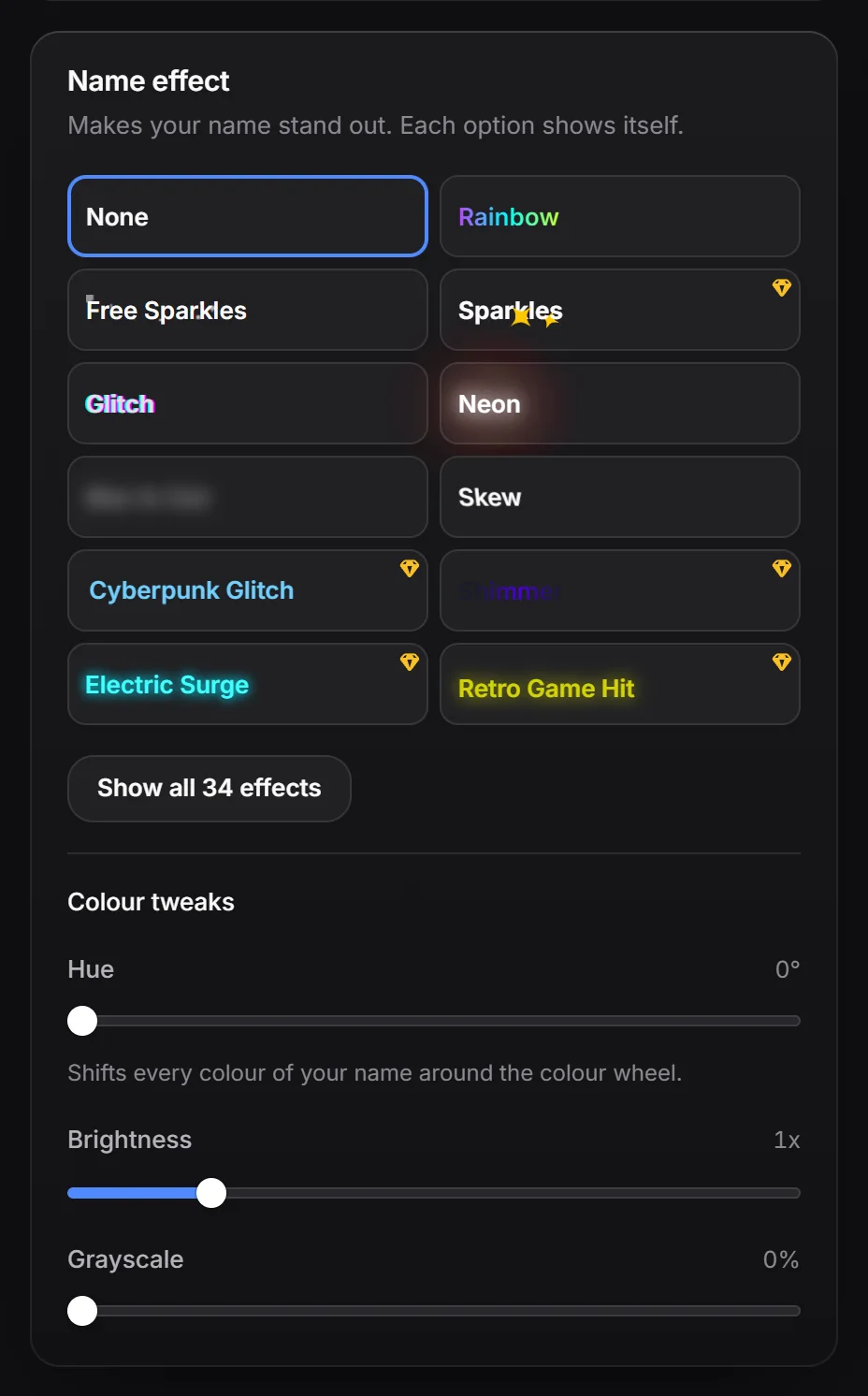
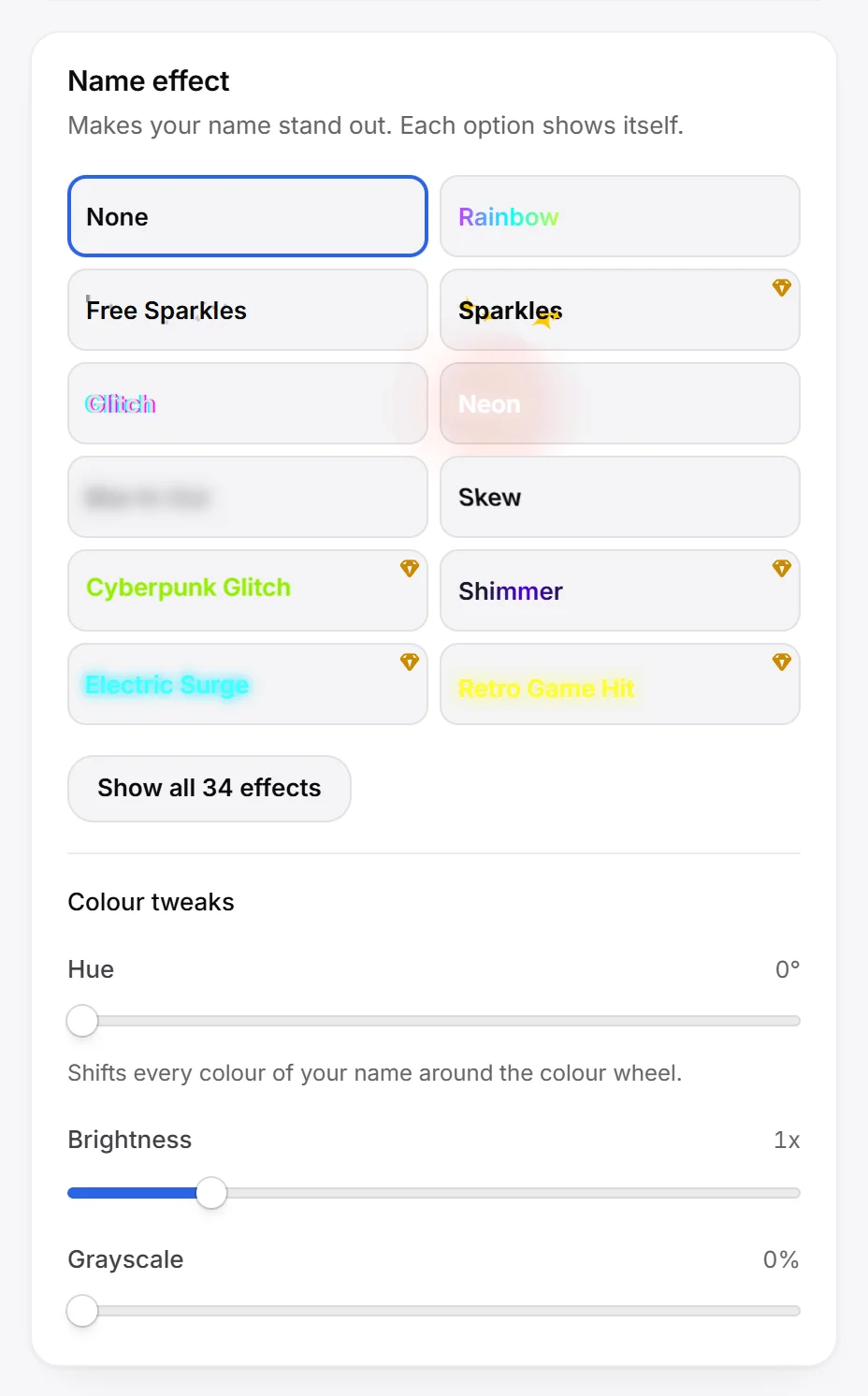
Free accounts see a Premium tag next to settings that need Premium. Compact tiles, like fonts and name effects, show a small gem in the corner instead. Hovering either one says “Needs Premium to publish. You can try it in your preview.”
If you have Premium, the tags are hidden.
What needs Premium in the editor#
| Setting | Where | Free alternative |
|---|---|---|
| 13 of the 34 fonts, and uploading your own font | Look, Font | 21 free fonts |
| Designing your own card shadow | Look, Card | 40 shadow presets |
| 9 of the 25 background effects | Background | 16 free effects |
| 20 of the 33 name effects | Effects, Name effect | 13 free effects |
| 34 of the 50 avatar shapes | Effects, Avatar shape | 16 free shapes |
| Magic wand sizes and positions, including the Size sliders for avatar, badges and links and Player size | Preview, Effects, Music | default sizes |
| Hiding the RAGE.WTF logo | Profile, On your card | none |
| Share title, description, image, large image and colour | Sharing | the generated share card |
| Audio visualizer | Music | none |
Everything else in the editor is free: all themes and your own colours, card colour, blur, size, tilt and sweep, badge and link styles, custom cursors, cursor trails, tab title animations, name colour tweaks (hue, brightness and grayscale), the typewriter bio and both card layouts. Free accounts can keep 3 saved looks, Premium keeps 12.
Publish with Premium settings#
If you press Publish on a free account while your draft uses Premium settings, a window called Some changes need Premium opens instead. Nothing is published yet, and your draft stays as it is.
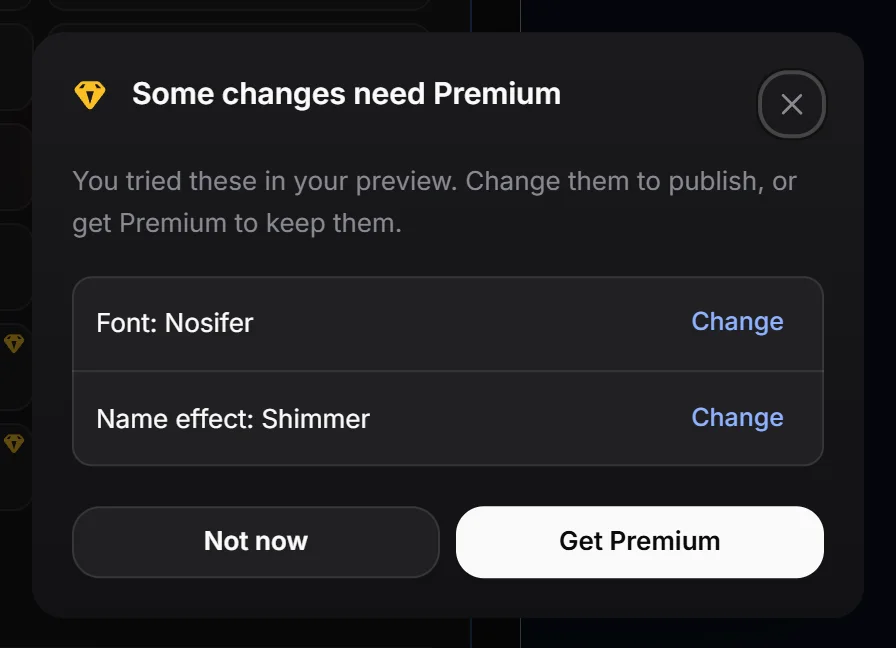
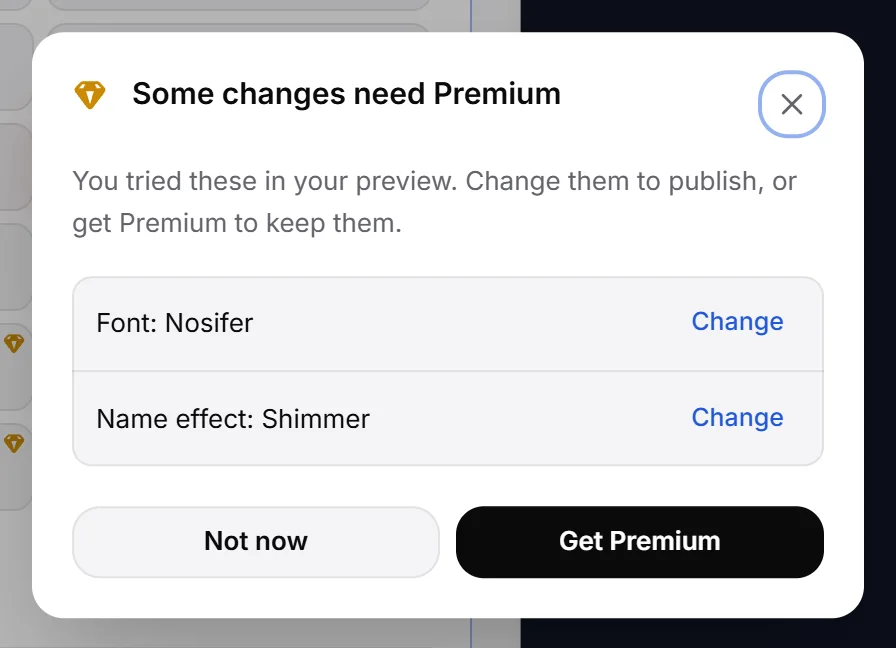
- Look at the list. Each line names a setting, like “Font: Nosifer” or “Hiding the RAGE.WTF logo”.
- Click Change next to a line to jump to that setting and pick a free option.
- When the list is empty, press Publish again.
Or click Get Premium to open the Store and keep them. Not now closes the window.
Desktop and phone settings are both checked, so a Premium font you chose only for phones counts too.
When Premium ends#
Your Premium choices stay saved, but your live page shows the free option in their place:
- Premium fonts show as the default font, and your own font isn’t used.
- Premium name effects, background effects and avatar shapes show as none or the default.
- Magic wand sizes and positions go back to normal.
- The RAGE.WTF logo shows again.
- The audio visualizer is hidden.
Get Premium again and they come back without any editing.
These leftover settings never block you: you can still publish other changes. Only new Premium settings you add need Premium to publish.