Account
Reset your password
Forgot your RAGE.WTF password? Get a reset link by email and set a new password.
If you can’t remember your password, you can set a new one with a link we email you.
Request a reset link#
- On the sign-in page, click Forgot password?
- Enter the Email on your account.
- Click Send reset link.
You see Check your email. For your privacy, the page looks the same whether or not an account uses that address.
- Nothing arrived? Check your spam folder, then click Resend link (available after 60 seconds).
- Typed the wrong address? Click Use a different email.
Set a new password#
- Open the email “Reset your RAGE.WTF password” and click Set a new password.
- Enter your New password (at least 8 characters) and type it again in Confirm password.
- Click Update password.
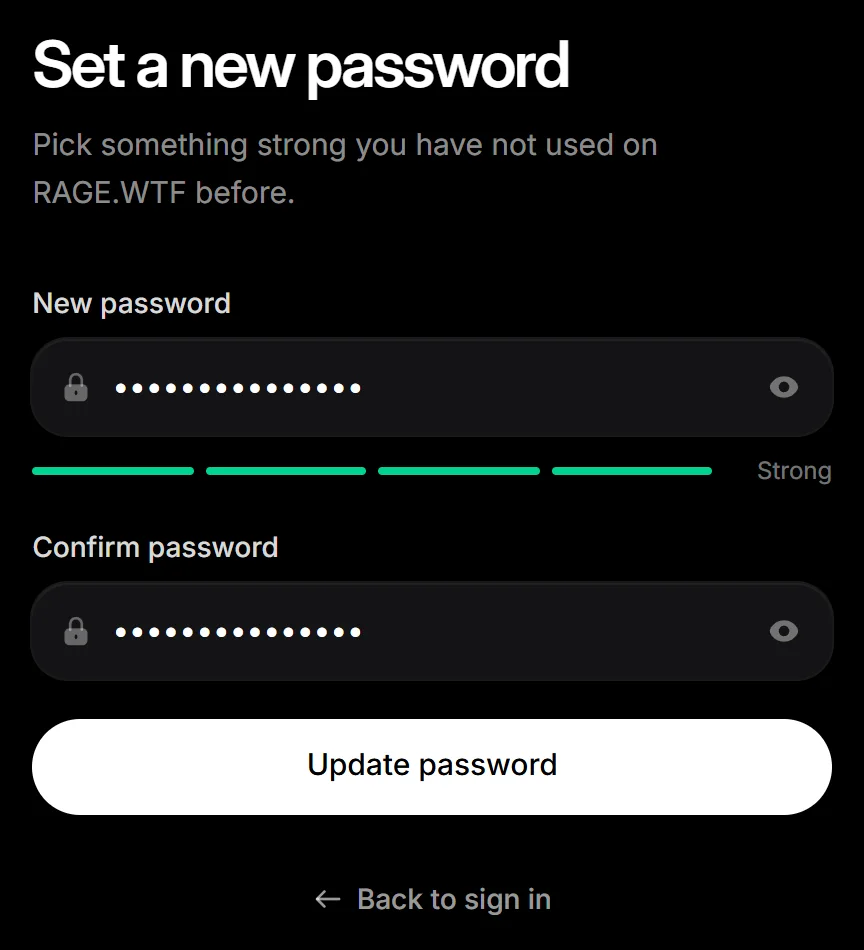
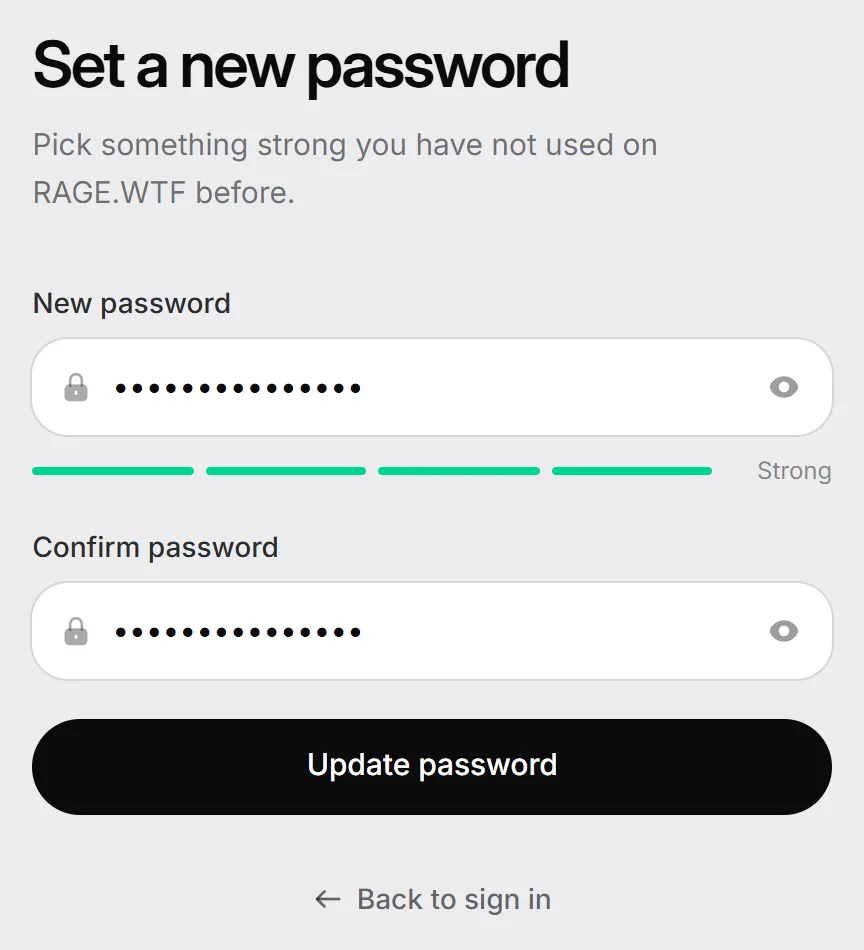
When you see Password updated, sign in with your new password.
If the link doesn’t work#
Reset links work once and expire after 1 hour. If you see This link has expired, click Request a new link.
Only ever used Discord?#
If your account has no password because you always signed in with Discord, a reset link sets your first password. You can also sign in with Discord and add one in Settings, Security. See security.
Still stuck? Email [email protected].