Your profile
Views and stats
How profile views are counted, what the number on your card means, and how to read the stats on your dashboard Home.
RAGE.WTF counts visits to your page and shows the numbers in two places: a view count on your card for everyone to see, and detailed stats on your dashboard Home that only you see. Stats are free for everyone.
How views are counted#
A view counts when someone opens your page in a real browser and it has loaded for a moment. These don’t count:
- Your own visits while you’re logged in.
- Bots, search engine crawlers and link previews (like the preview Discord or WhatsApp builds when someone pastes your link).
- Pages a browser loads ahead of time that the visitor never opens.
- Visits while your page is under construction, or private.
Your visitors’ privacy is kept: their IP address is never stored. Only general facts about the visit are kept, like the type of device and the country.
The number on your card#
The number on your card is unique visitors: each visitor counts once per day, and the days add up. Someone who opens your page five times in one day adds one.
- The Default layout shows an eye icon and the number at the top of the card.
- The Modern layout shows “views” in the details row.
- Your generated share card shows the same number.
Hide the view count#
- In the dashboard, open Profile. The Profile section opens first.
- Under On your card, turn off View count.
- Press Publish.
This hides the number on your card and on your share card. Views are still counted, and you still see them on your dashboard.
Your dashboard Home#
Open Home in the dashboard sidebar. If nobody has visited yet, you see “No visits yet” with a button to copy your link. New views show up within seconds.
Pick a time range#
Use the switch in the top right: 24h, 7d or 30d. The 24 hour range is shown by the hour, the others by the day. Days and hours are in UTC.
Stat tiles#
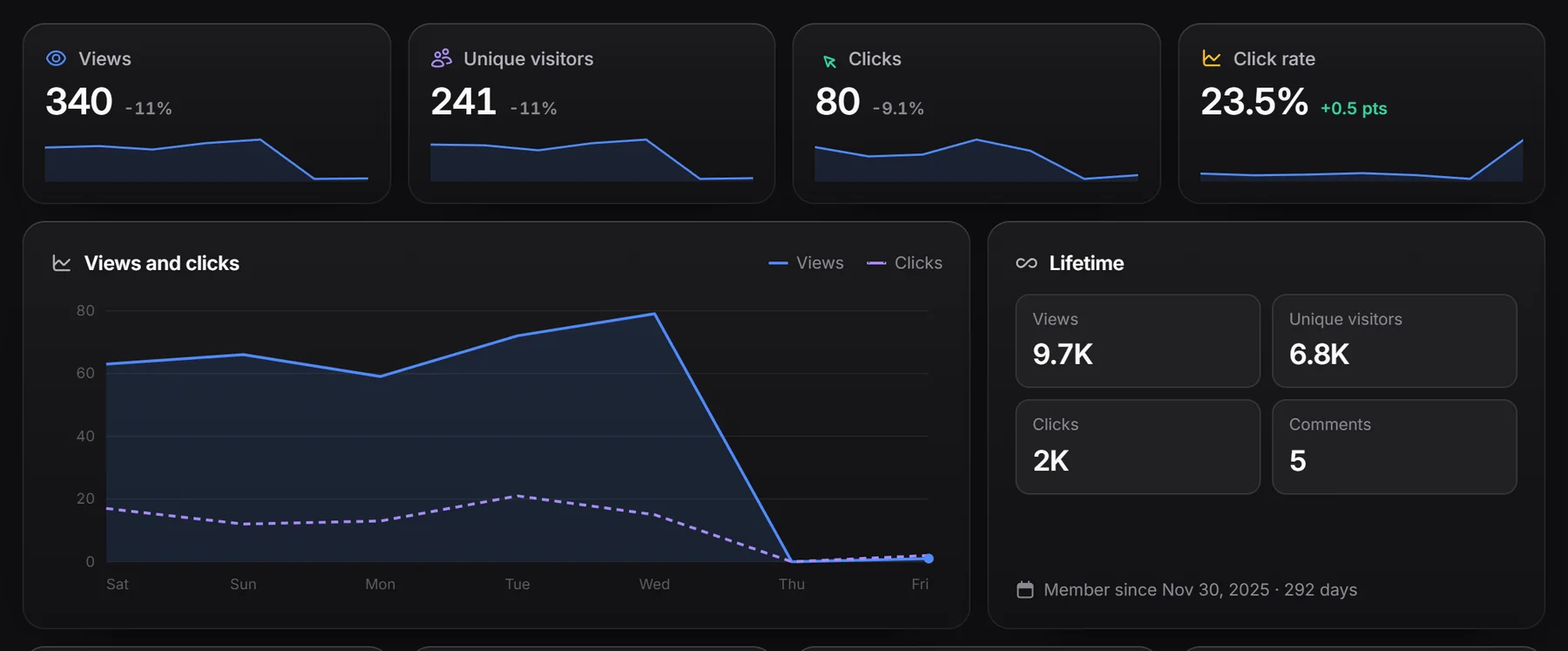
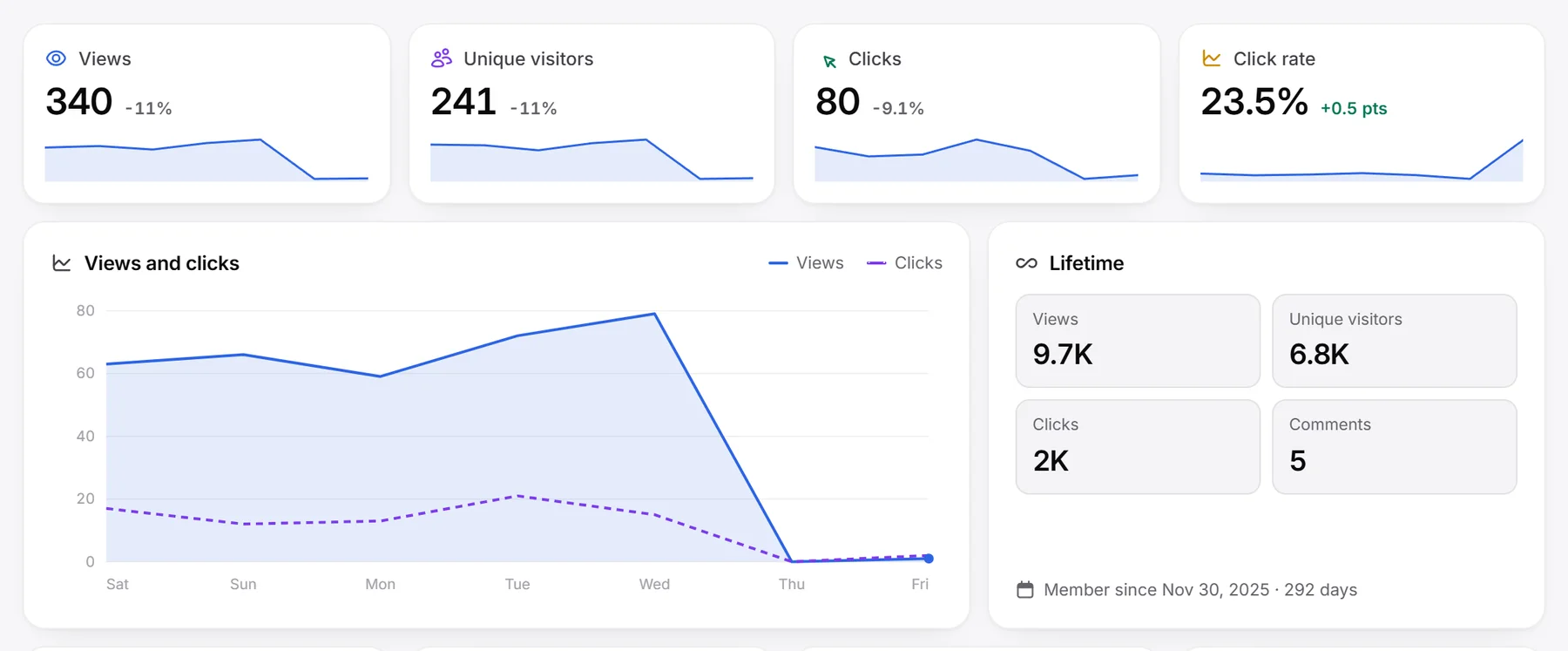
Each tile shows the number for the chosen range, how much it changed compared with the range before it, and a small chart.
| Tile | What it counts |
|---|---|
| Views | Every counted view. Each visitor counts once per day, so coming back or reloading the same day doesn’t add another. |
| Unique visitors | Each visitor once per day. Since September 2026 this matches Views; older days can show more views, from when every visit counted. |
| Clicks | Clicks on your links and your integration cards. |
| Click rate | Clicks divided by views. Its change is shown in percentage points. |
Views and clicks chart#
A line chart of views (solid line) and clicks (dashed line) over the chosen range.
Lifetime#
Your all-time Views, Unique visitors, Clicks and Comments, plus the date you joined. Lifetime Unique visitors is the number on your card.
Where visitors come from#
These lists show where your views came from in the chosen range, with each one’s share.
| List | What it shows |
|---|---|
| Top sources | The top 5 addresses visitors used, like rage.wtf/yourname or an alias on another domain. |
| Top referrers | The top 5 sites that linked visitors to you, like youtube.com, or the name from a ?utm_source= tag on your link. |
| Top countries | Your top 5 countries, with flags. |
| Devices | Desktop, Mobile, Tablet or Other (like consoles and TVs). |
Most clicked#
Your 5 most clicked links and integrations in the chosen range, in one list.
More on Home#
- Perks and tokens: your perks (like Premium or Verified), your Rage and Badge token balances, and how many badges you have.
- Set up your page: a checklist (upload an avatar, write a bio, add 3 links, claim a badge, connect Discord, turn on two-factor). It disappears once everything is done.
- Recent comments: the 5 newest comments on your page and your total. See comments and likes.
- Recent feedback: your like and dislike totals and the 5 latest votes.