Image host
Uploading images
Upload images to the RAGE.WTF image host in your browser, which file types and sizes work, and what link you get back.
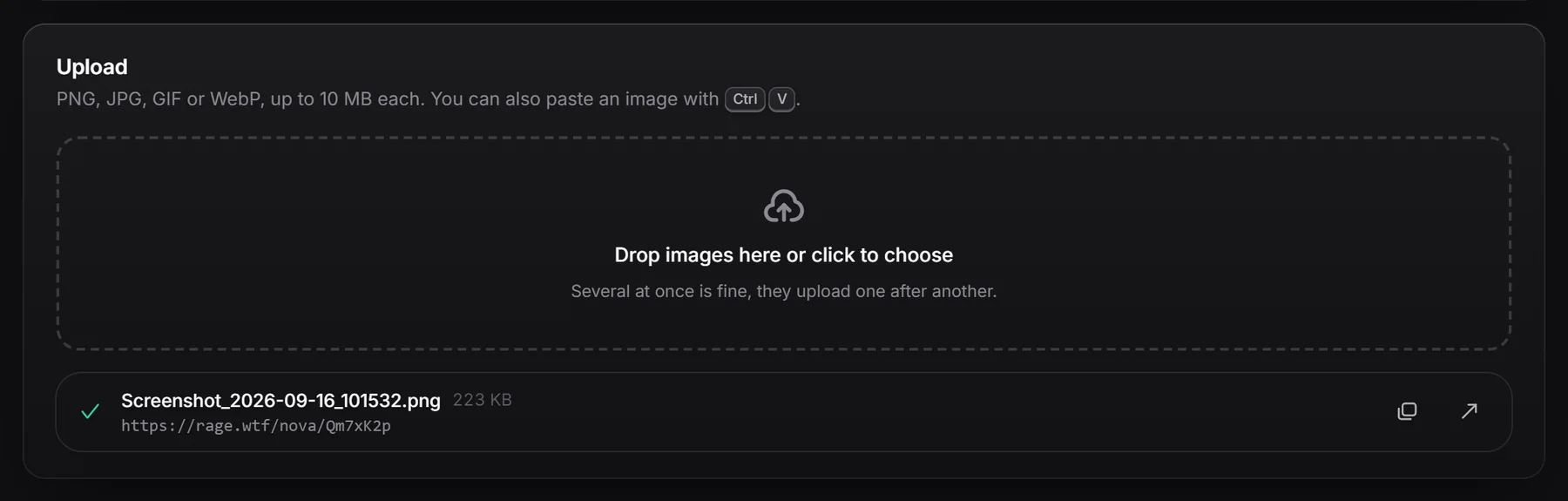
You can upload images right in the dashboard by dropping them, picking them or pasting them. To upload screenshots automatically, set up ShareX.
Upload in the browser#
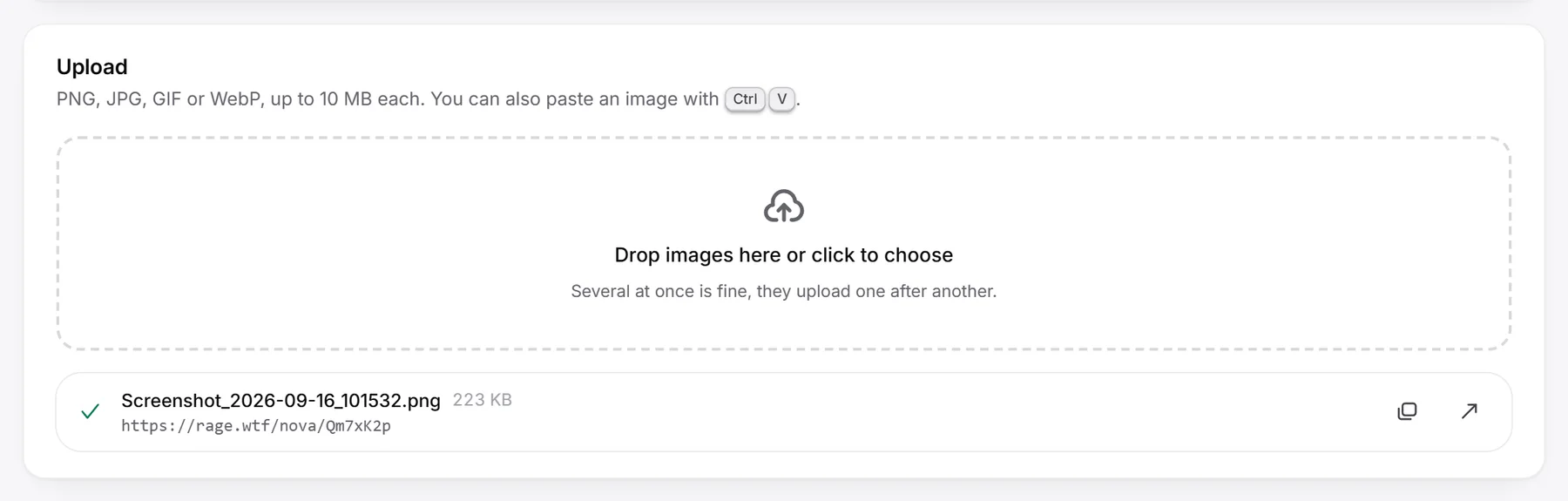
- In the dashboard, open Image host. The Upload box is on the Overview tab.
- Drop one or more images on the box, or click Drop images here or click to choose to pick files.
- Each file gets a row with a progress bar. They upload one after another.
- When a row is done, click the copy button to copy its link, or the arrow to open it.
You can also paste an image anywhere on the page with Ctrl+V (Cmd+V on a Mac), for example right after taking a screenshot. Pasting doesn’t work while you’re typing in a field.
On the Image Host plan you can pick a folder in the Into menu before uploading. See folders.
File types and sizes#
| Rule | Limit |
|---|---|
| File types | PNG, JPG, GIF (animated is fine) and WebP |
| Largest file | 10 MB |
| Largest image | 64 megapixels (width times height) |
| Uploads per minute | 60, counting the browser and ShareX together |
| Storage | 50 MB on the free plan, 10 GB on the Image Host plan |
- SVG and other formats aren’t accepted.
- The type is checked by reading the image itself, so renaming a file to
.pngdoesn’t make it an image. - File names are kept for your gallery, up to 120 characters.
If an upload fails#
The row shows what went wrong. Click Retry to try again (not shown when the file type or size is wrong), or the cross to dismiss it.
| Message | What to do |
|---|---|
| Use a PNG, JPG, GIF or WebP image. | Convert the file to one of those formats. |
| Files can be up to 10 MB. | Make the file smaller, for example by saving it as JPG or WebP. |
| That image has too many pixels (64 megapixels at most). | Make the image smaller. |
| That file isn’t a readable image. / That image is damaged and can’t be read. | The file is broken. Export or save it again. |
| Your free 50 MB are full. Delete images or upgrade to the Image Host plan. | Delete images or get the plan. |
| Your storage is full. Delete some images to upload more. | Delete images to make room. |
| You’re doing that too often. Try again in … | Wait the time shown. |
| Connection lost. Try again. | Check your connection and click Retry. |
Uploading the same image twice#
If you upload exactly the same image again into the same folder, you get the link of the image you already have instead of a copy. The row says (already uploaded) and no extra space is used.
What you get#
Every upload gets a share link:
https://rage.wtf/yourname/AbC1234- The last part is a 7 character code that is unique to the image.
- On the Image Host plan, the domain and the name in the link can be changed. See links, domains and embeds.
- Add an extension to the end of the link (for example
/AbC1234.png) to always get the plain image file. - In the gallery, you can also copy the direct link to the image file.