Account
Using more than one account
Sign in to several RAGE.WTF accounts on one browser and switch between them without signing out.
If you run more than one page, you can stay signed in to several accounts on the same browser and switch between them in a click.
Add another account#
- Open the account menu (your avatar) and click Add another account.
- Sign in to the other account on the Add an account page.
Your first account stays signed in. You can also press Ctrl K and choose Add another account.
Switch accounts#
Open the account menu. Under Switch account, click the account you want. You stay on the same dashboard page, now for that account.
In search (Ctrl K), choose Switch to followed by the account name.
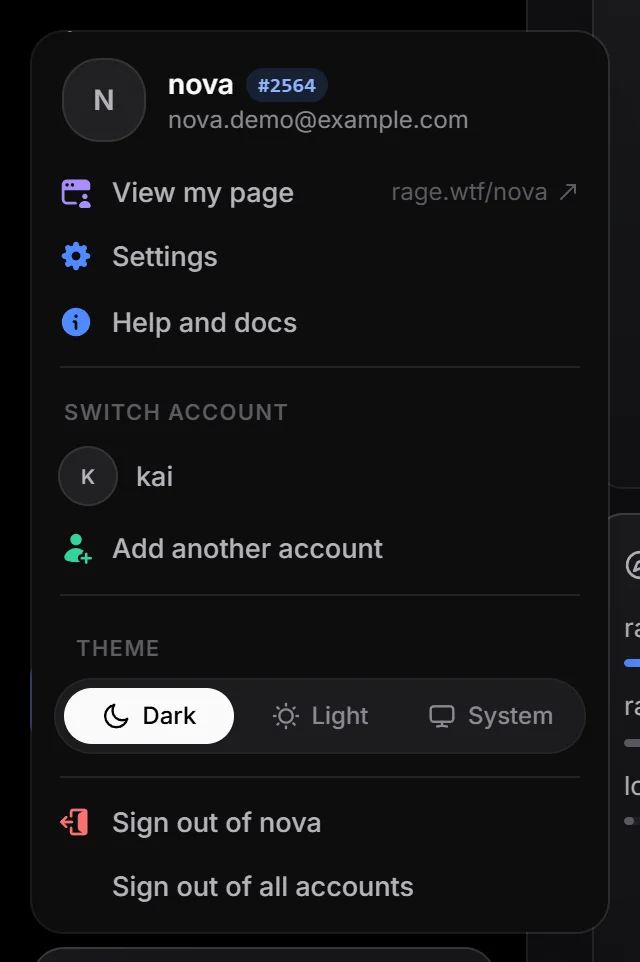
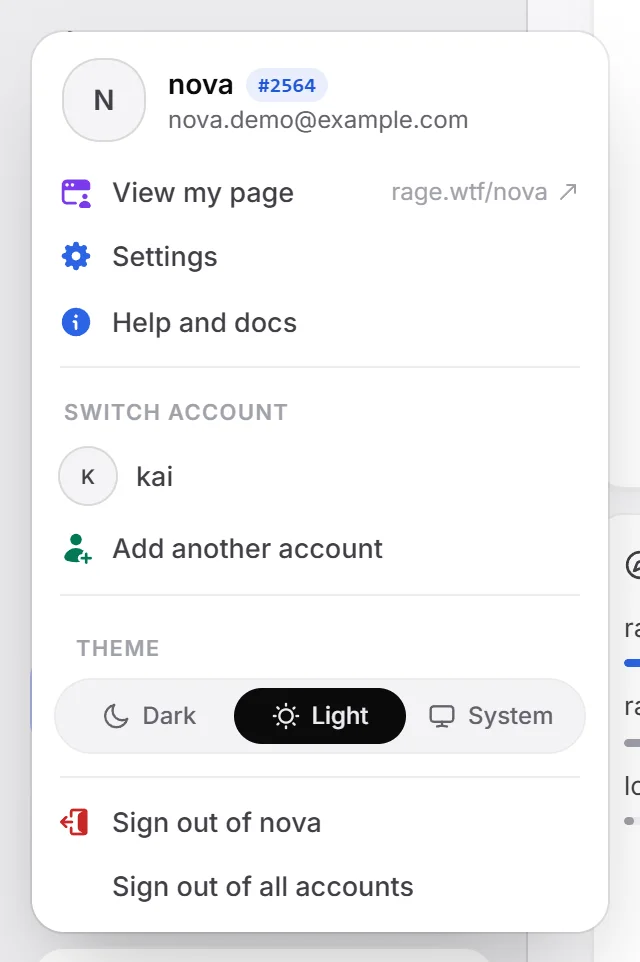
The account menu on the public site (top-right corner) has the same switcher.
Sign out#
- Sign out of an account (in the account menu) signs out only the account you’re using. The next signed-in account takes over.
- Sign out of all accounts signs out every account on this browser. It only shows when more than one is signed in.
Deleting one account leaves the other accounts on the browser signed in.