Your profile
Name effects and avatar shapes
Make your name stand out with one of 33 effects and colour tweaks, and cut your avatar into one of 50 shapes.
Under Effects, you can animate your name and change the shape of your avatar.
Pick a name effect#
- In the dashboard, open Profile, then Effects.
- Under Name effect, click an effect. Each tile plays the effect on its own name.
- Click Show all 34 effects to see every tile. None turns the effect off.
- Press Publish.
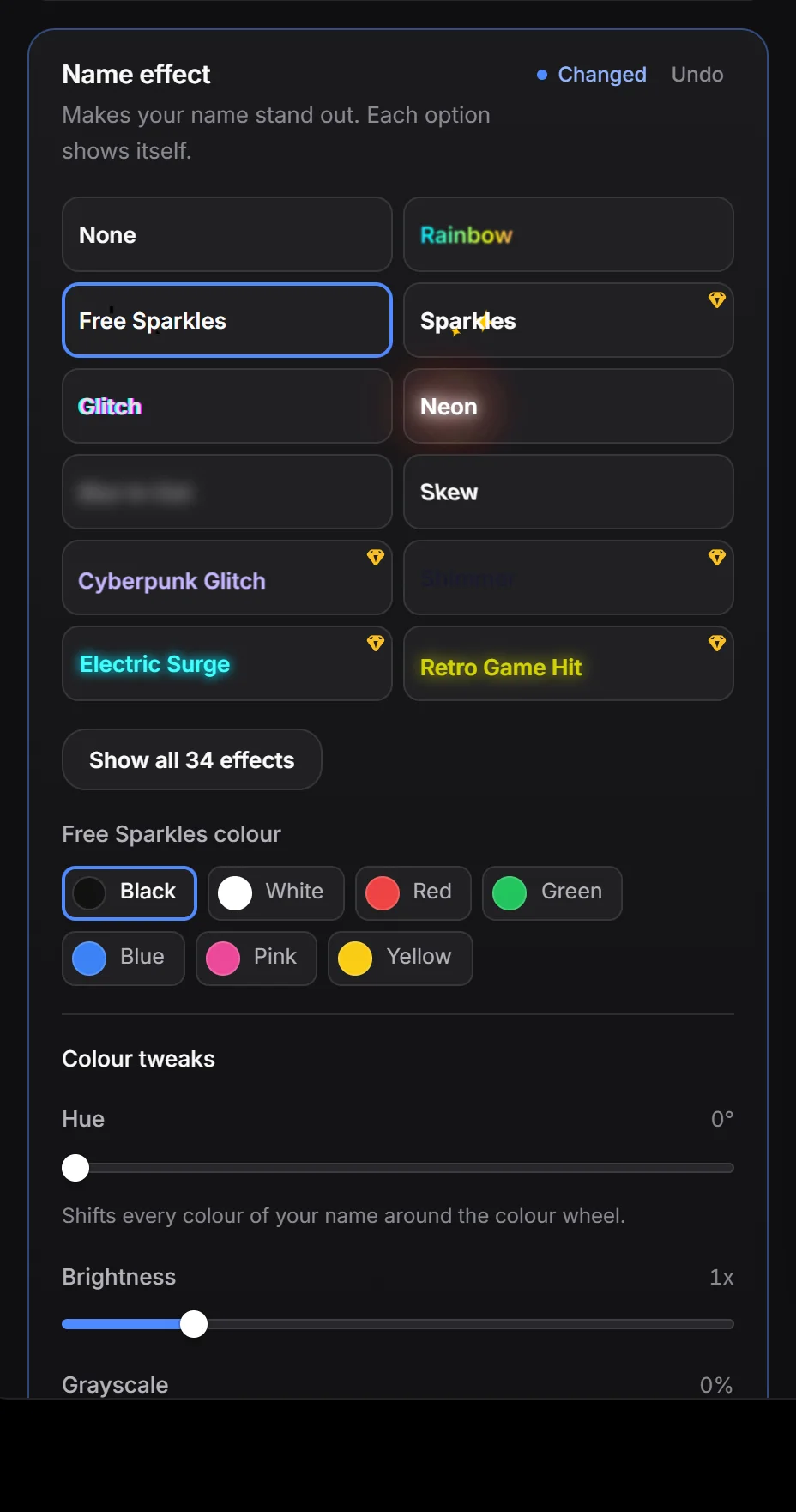
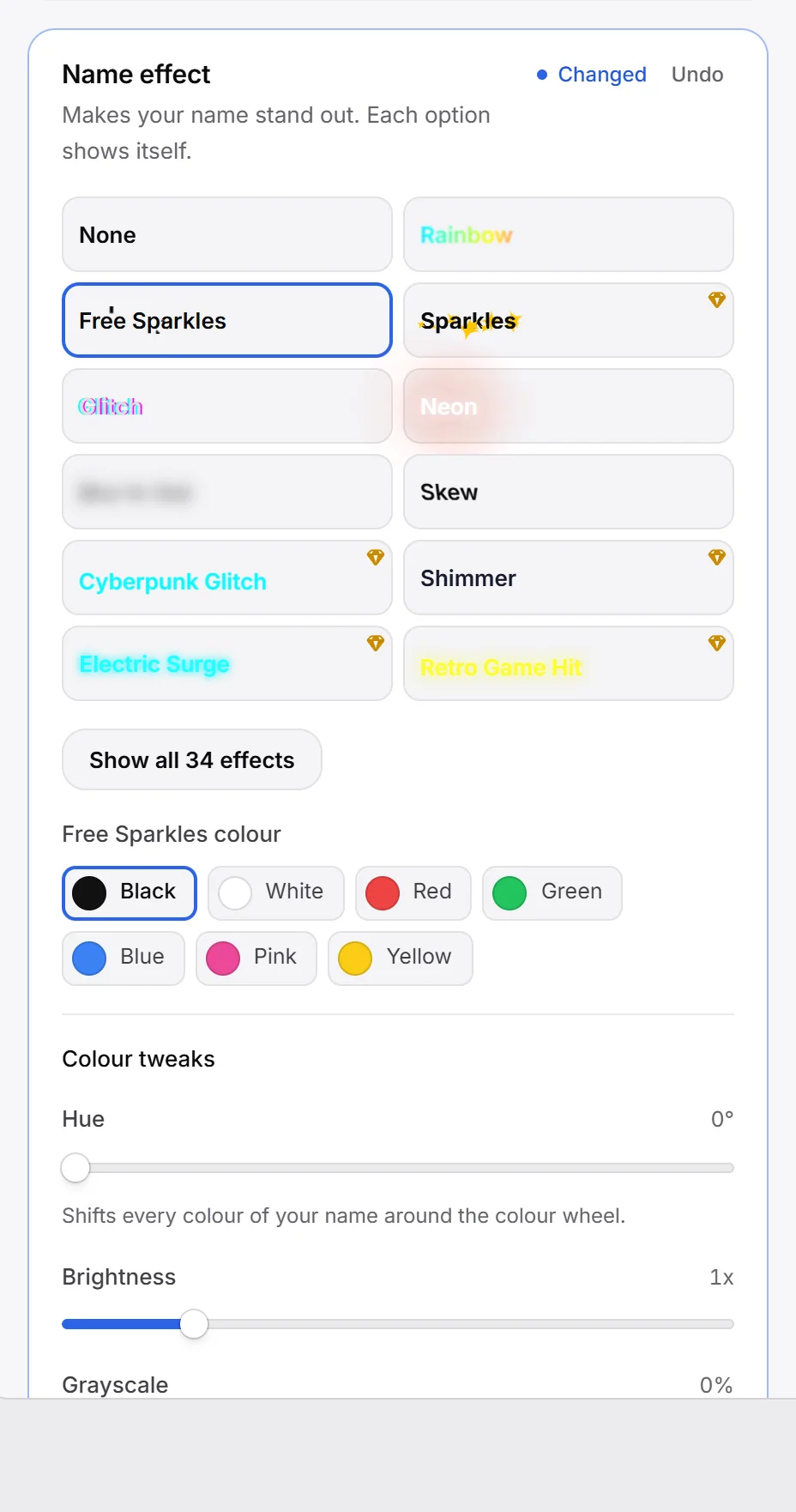
| Free (13) | Premium (20) |
|---|---|
| Rainbow, Free Sparkles, Glitch, Neon, Blur In Out, Skew, Quantum Leap, Cyber Text Scroll, Electric Sparks, Parallax Depth, Radar Sweep, Spider Web, DNA Sequencing | Sparkles, Cyberpunk Glitch, Shimmer, Electric Surge, Retro Game Hit, Meteor Shower, Neon Scan, Retro Wave Scan, VHS Glitch, Pulsating Center, Hologram Shimmer, Electric Circuit, Constellation Map, Black Hole, Thunderstorm, Electromagnetic Field, Molecular Vibration, Crystalline Matrix, Plasma Wakefield, Acoustic Levitation |
Premium effects have a small gem in the corner. You can try them in your preview; publishing them needs Premium.
Pick a sparkle colour#
Two effects come in colours. When you pick one, a colour row appears under the effects:
- Free Sparkles: Black, White, Red, Green, Blue, Pink, Yellow.
- Sparkles (Premium): Red, Blue, Green, Purple, Rainbow, Dark white.
Tweak your name’s colours#
Under Colour tweaks, three sliders change how your name looks with any effect:
| Slider | Range | Default | What it does |
|---|---|---|---|
| Hue | 0 to 360° | 0° | Shifts every colour of your name around the colour wheel. |
| Brightness | 0.1x to 5x | 1x | Makes your name darker or brighter. |
| Grayscale | 0 to 100 % | 0 % | Takes the colour out. |
These sliders are free.
Pick an avatar shape#
Under Avatar shape, click a shape. The tiles use your own avatar, so you see exactly how it will look. Click Show all 50 shapes to see every shape.
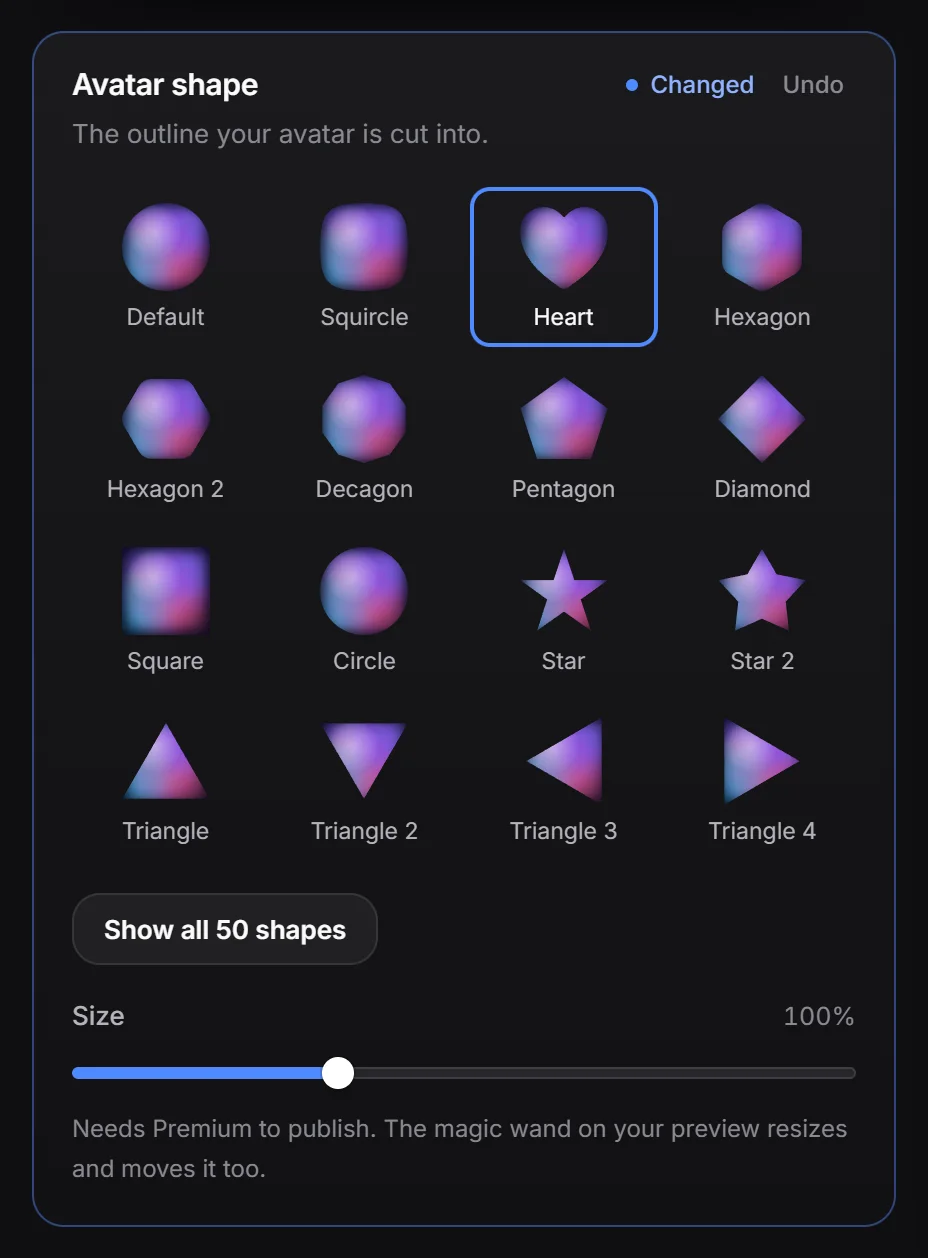
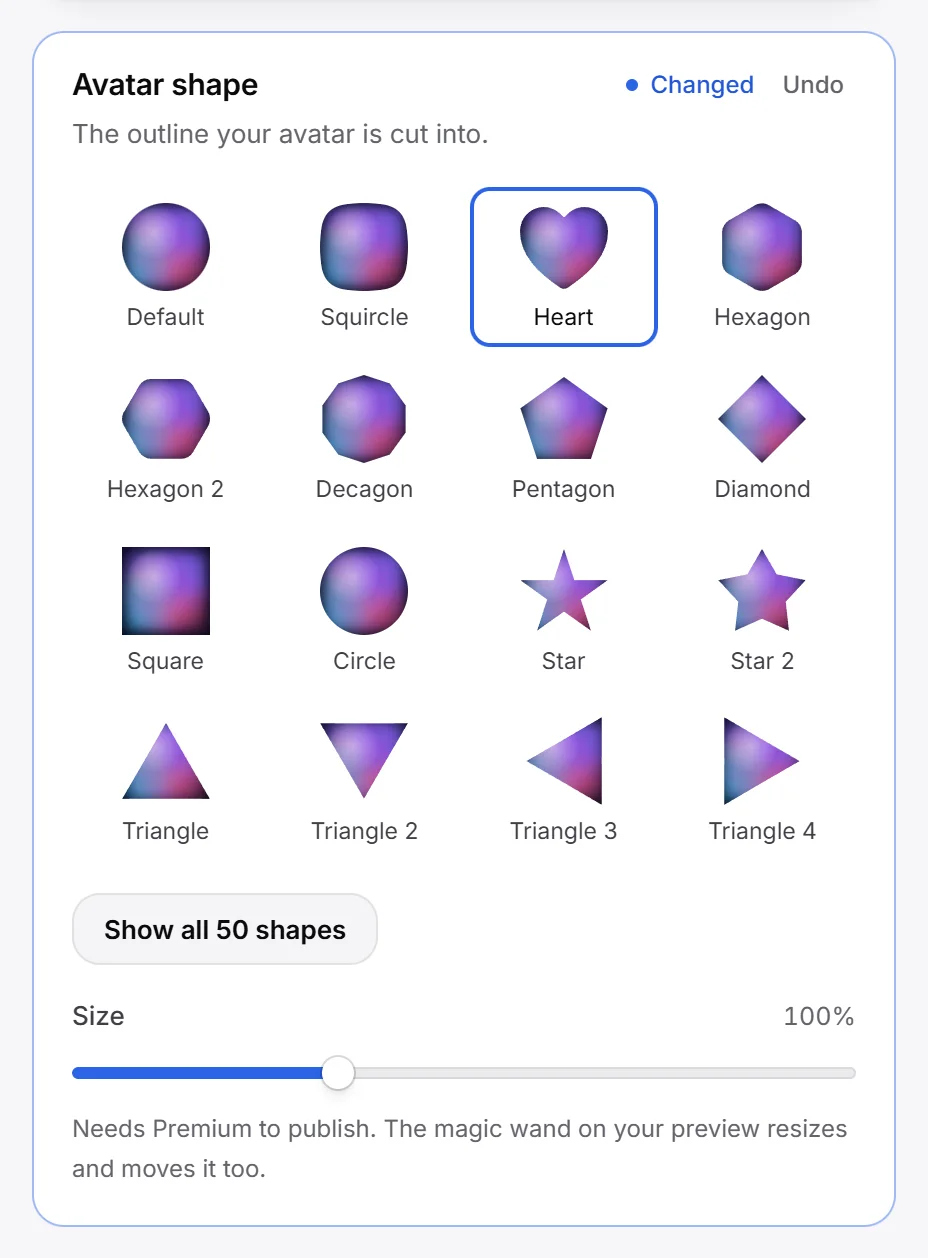
- Free (16): Default, Squircle, Heart, Hexagon, Hexagon 2, Decagon, Pentagon, Diamond, Square, Circle, Star, Star 2, Triangle, Triangle 2, Triangle 3, Triangle 4.
- Premium (34): Naymur 1, Clip Squiggle, Clip Goey 2, Clip Mask 1 to 8, and Different One 1, 2, 4, 5, 6 and 8 to 25.
With the Default shape your avatar is round with a thin ring around it.
Change the avatar size#
The Size slider under the shapes makes your avatar 50 to 200 % of its normal size. This is the same size the magic wand changes, so it needs Premium to publish.
On phones#
Name effects, colour tweaks, avatar shape and avatar size can all be different on phones. See desktop and phone.